Hi,
Is there an option in UX to scale visualisations to the page?
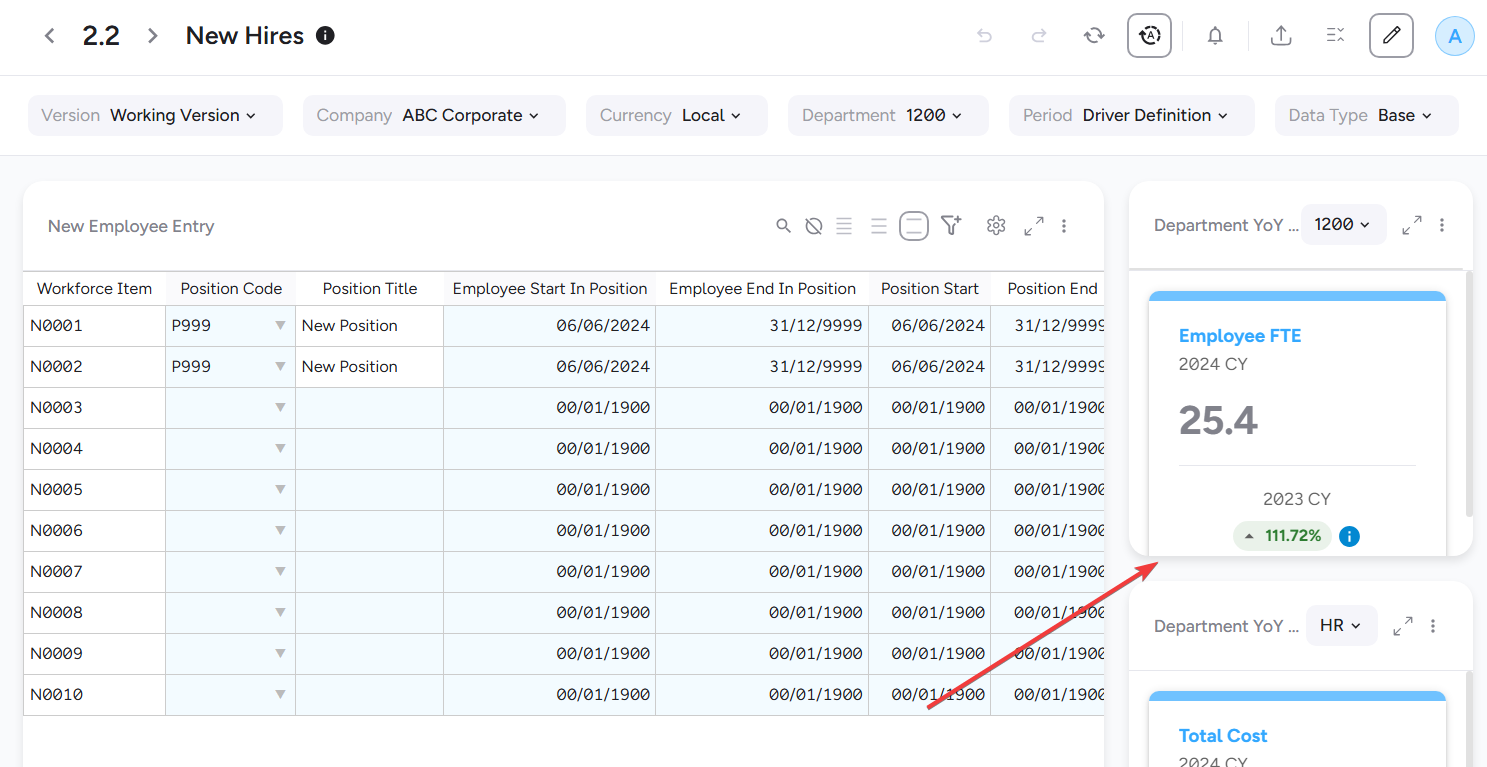
In my example below the single cell KPI is being cut off at the bottom. I believe in PAW the option is called ‘Fit To Page’ for reference.
Thanks Ronan
Hey Ronan,
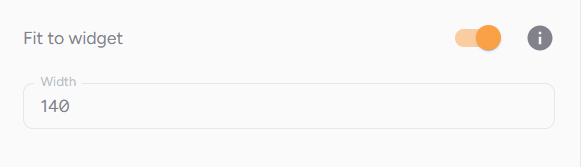
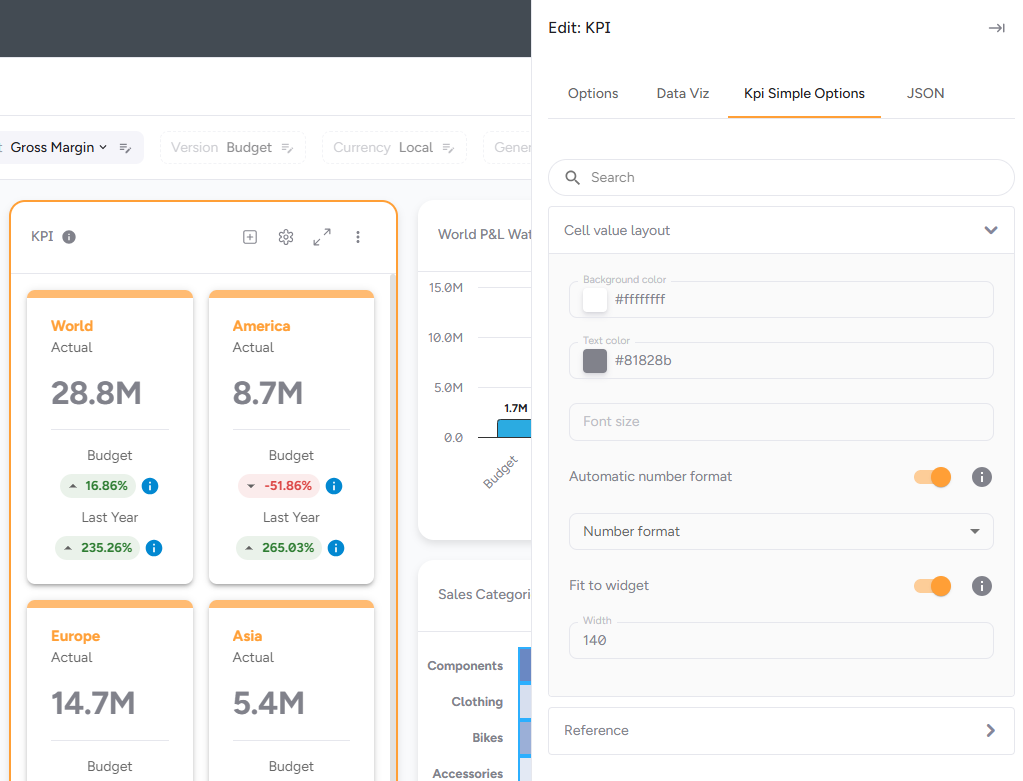
There is an option “Fit to Widget” and also an option to adjust the width of the card on the Settings, but not sure if it will get exactly how you want it.
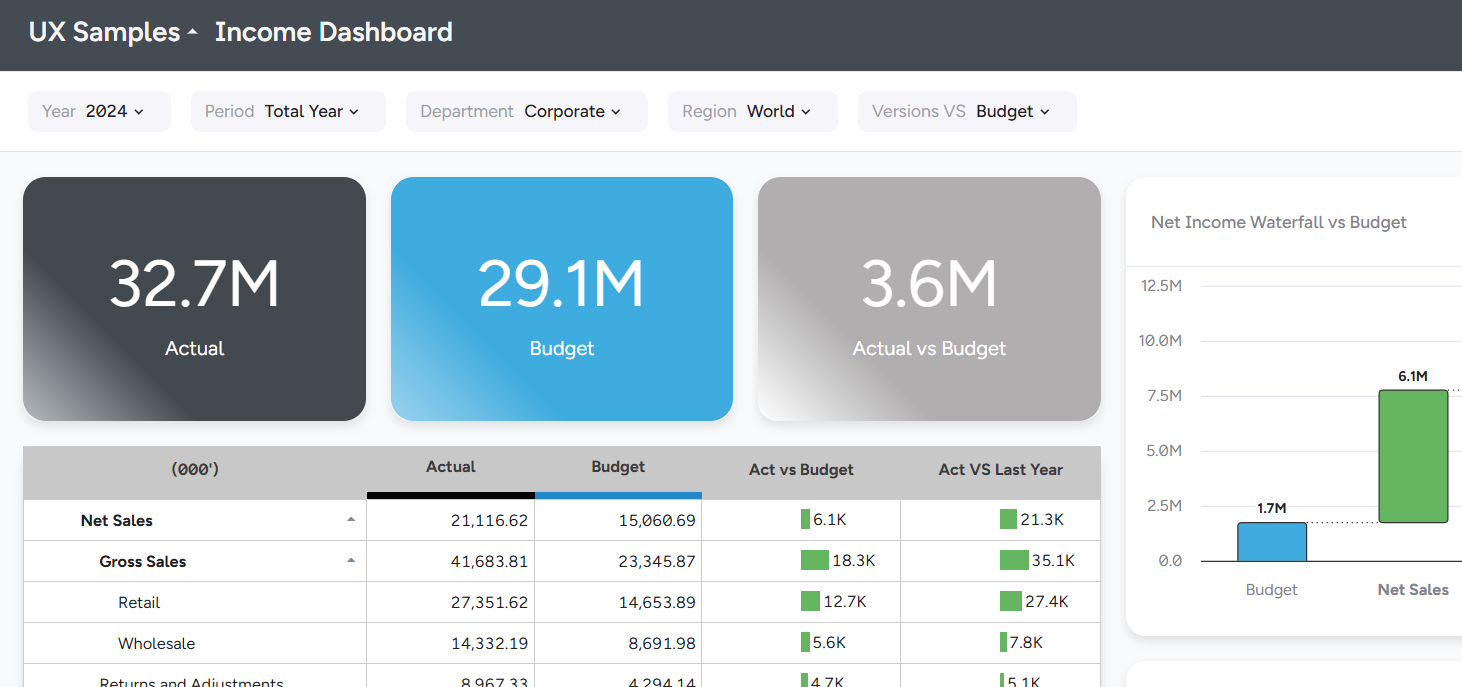
If you just want to show 1 number as a “KPI”, I normally prefer to use the “Card” widget instead. It will act as a simple Single KPI, and it fits the whole space, just make sure to also remove the Header on the settings. It will look like this:
Hope this helps, Cheers!
Rodrigo
Thanks for the reply mate. Where do you find the ‘Fit to Widget’ setting? I tried ‘Edit Widget Options’ but don’t see it there.
Thanks @rmazziero sorted!