Hi,
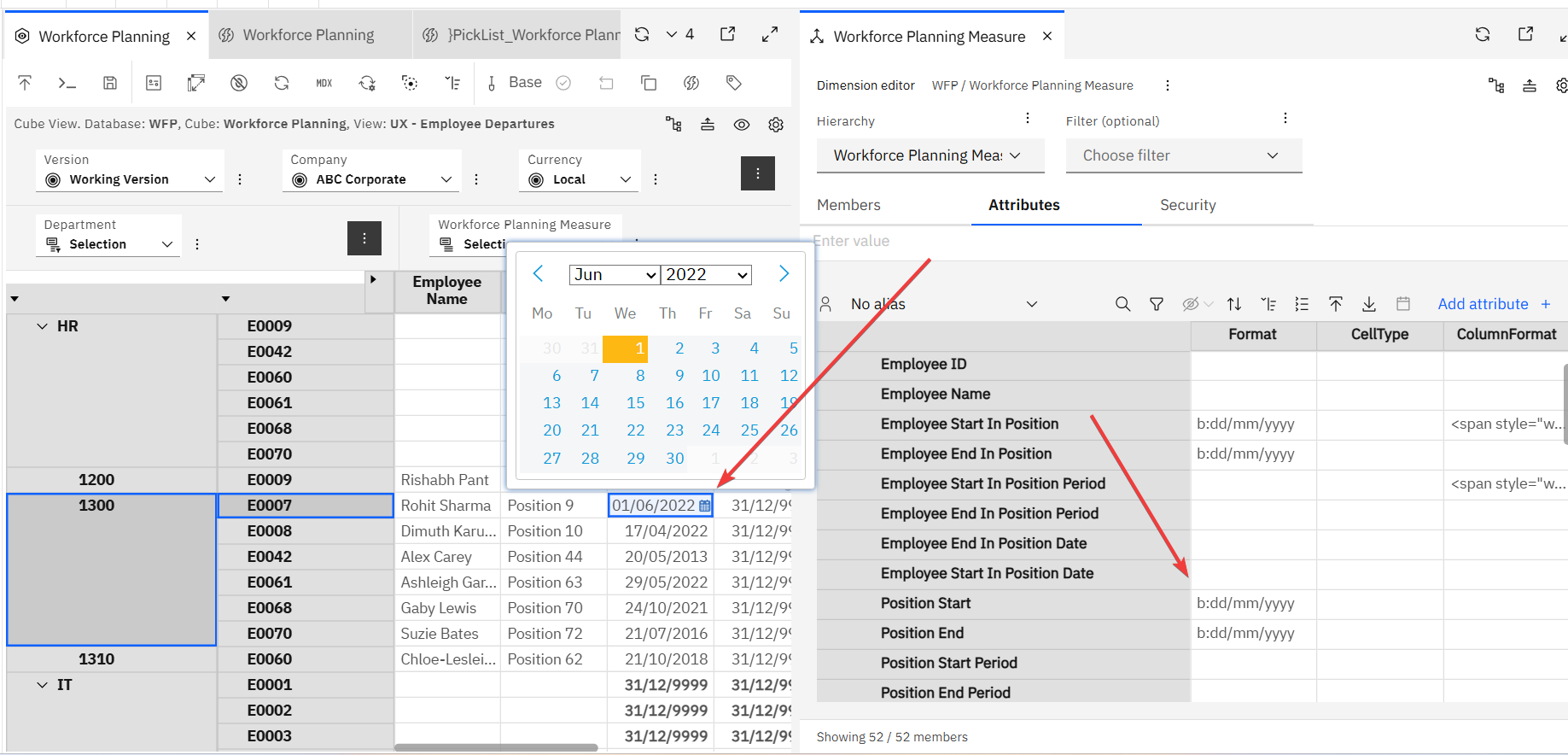
My TM1 formatting for a column is setup as following to show a calendar picklist:
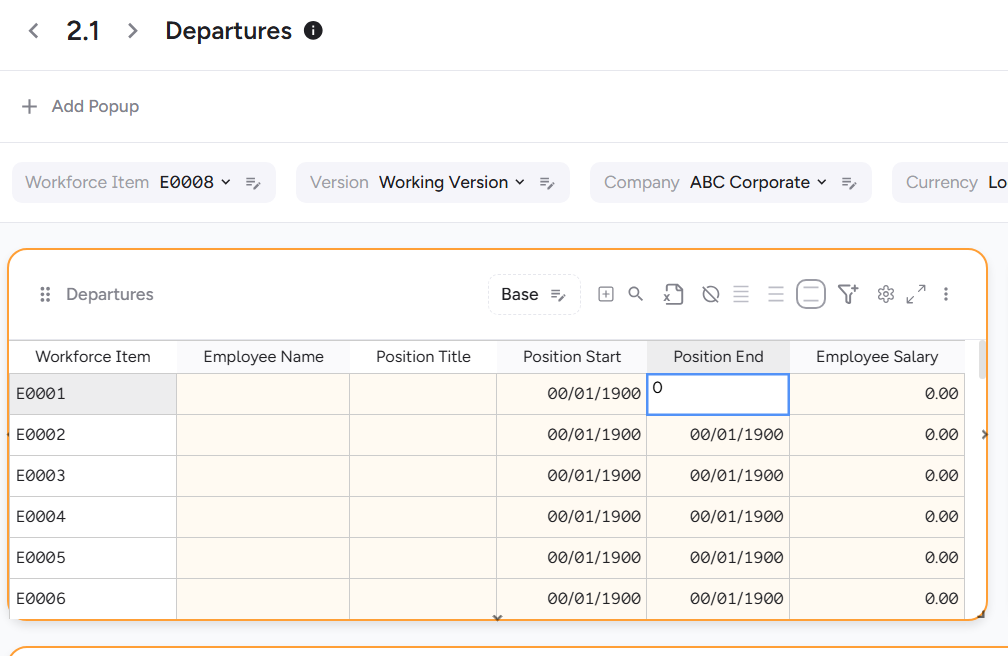
I am trying to get this to flow through to UX but it does not work, is there special formatting needed in UX to pick this up? Or a way to recreate what PAW can do? It is also causing the zero suppression not to work.
Thanks Ronan
Hi Ronan,
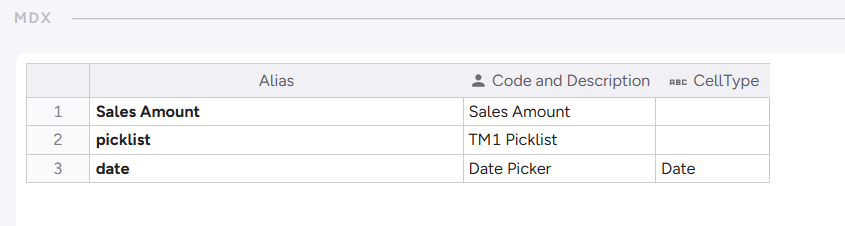
For UX to format the cell as Date picker, create a string Attribute named “CellType”, and put “Date” on it.
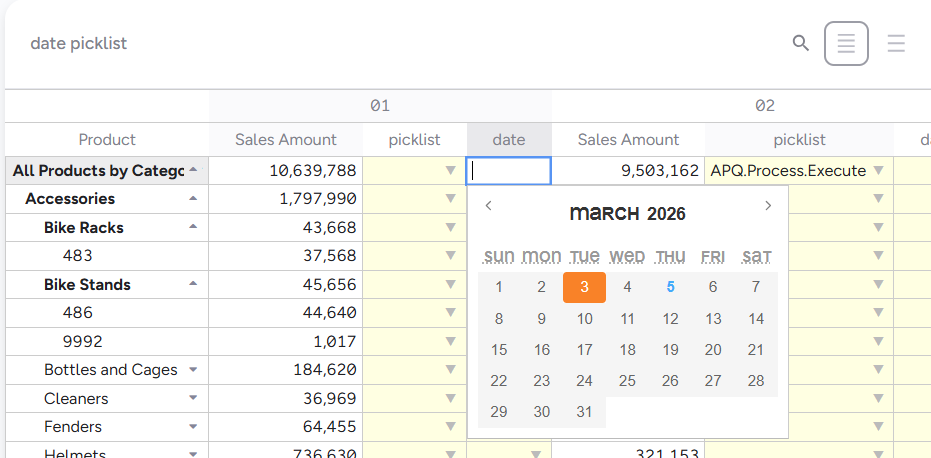
This will then make the Cell input to be a Date picker.
Hope this helps!
Rodrigo
Thanks that’s it working now. For any readers out there, the element also has to be a string (mine was numeric and that’s why it didn’t work initially).
Thanks @rgallagher that’s something I think we should probably fix. It’s pretty common to store date/timstamps in index format and just display time-date formatting. This is something we should support. The question then comes which date epoch the index value should use as this would need to be defined as a property of the date picker. (e.g. Excel 1899-12-30 = 0, Unix 1970-01-01 = 0, or something else).