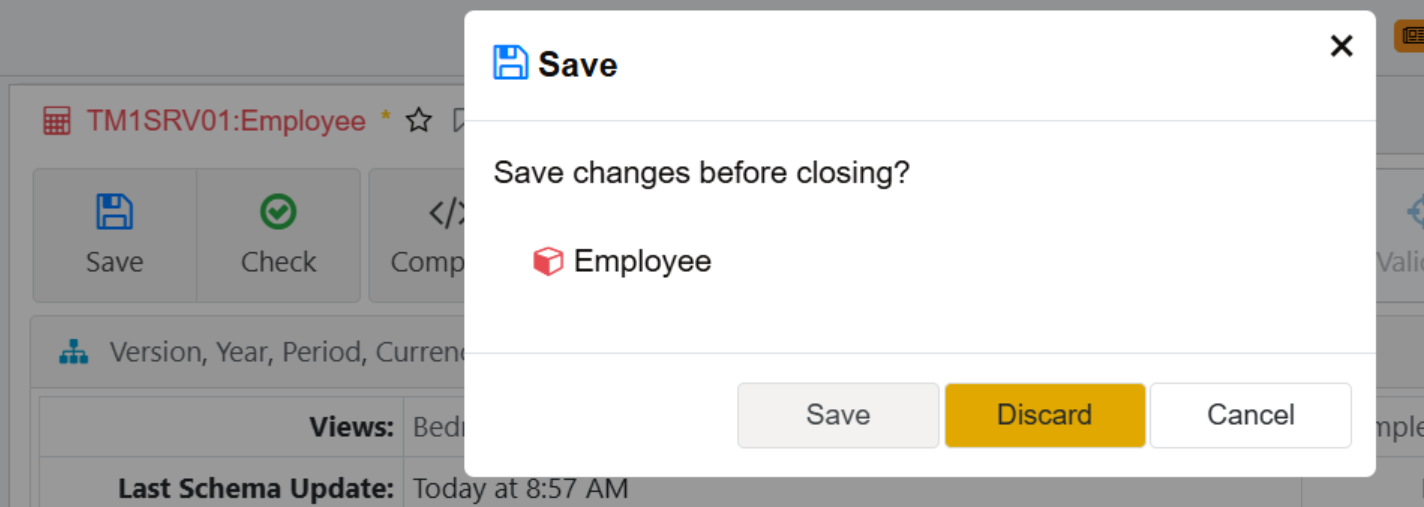
I don’t know how widely this one is known, but I was just bitten by it again so I thought I’d offer it for future reference.
As we know, Ctrl+S is used to save rules/ TI processes when working in Arc.
The problem is that Ctrl + W is just one key away and, particularly on small keyboards, you had better be on target or your tab closes and your changes vanish into the ether.
And naturally, Google doesn’t give us the option of disabling / re-mapping that command.
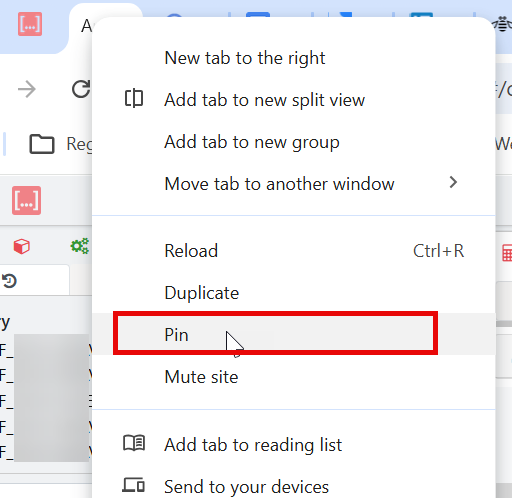
However it does give us the option of pinning the tab, using the right click shortcut menu shown.
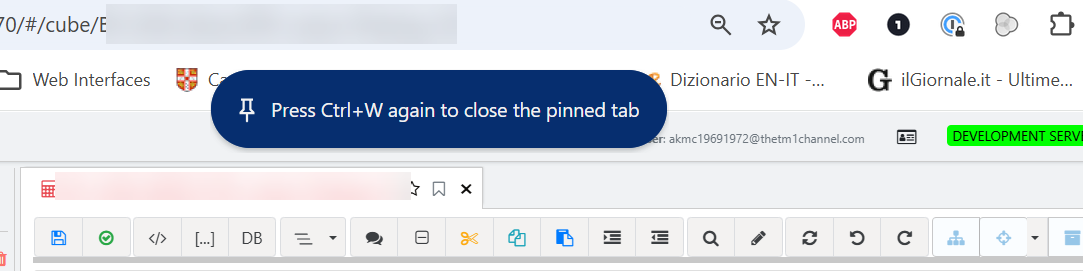
In that way if your finger slips over the border between S and W, you get this instead of a closed tab with your work blown away:
Which is of course an option that Google should have given us in the first place, but it’s not like the perfect browser exists.