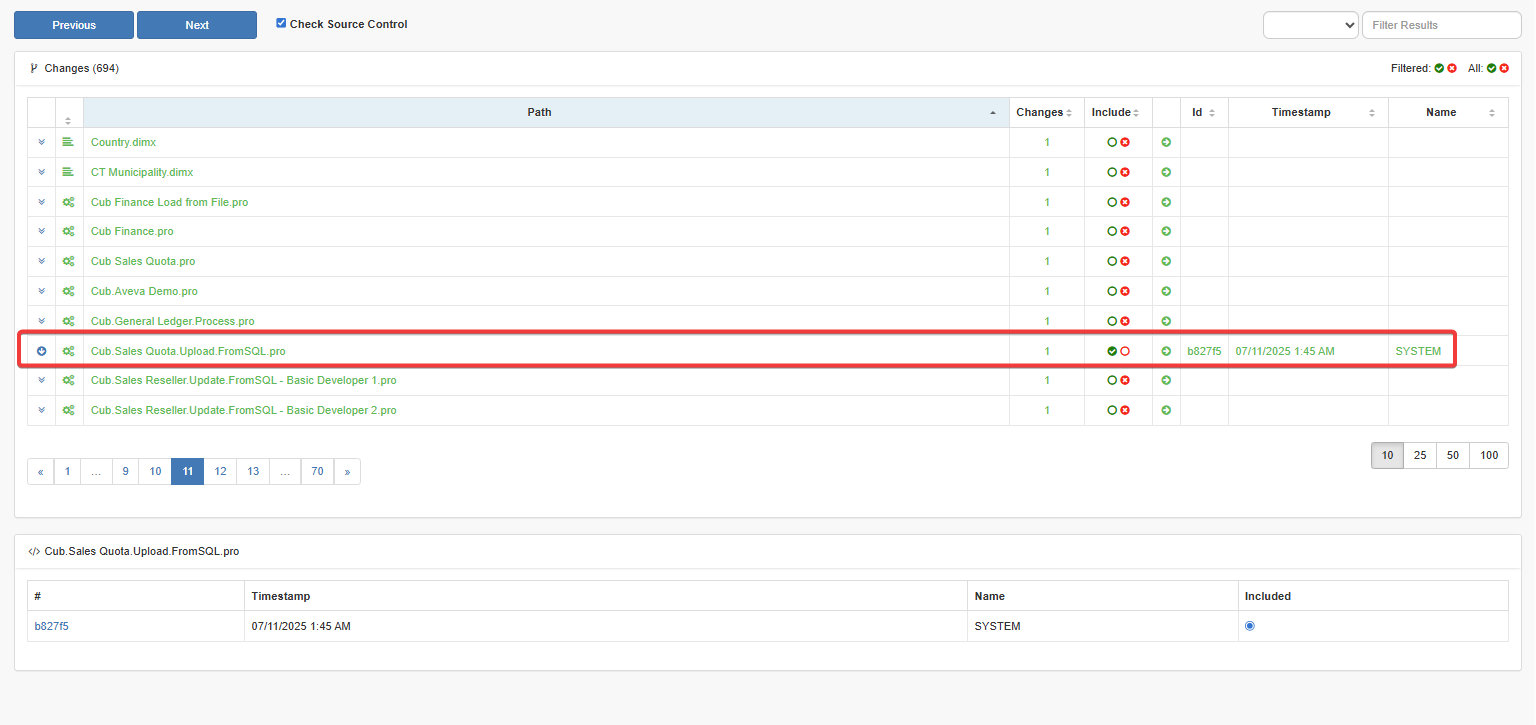
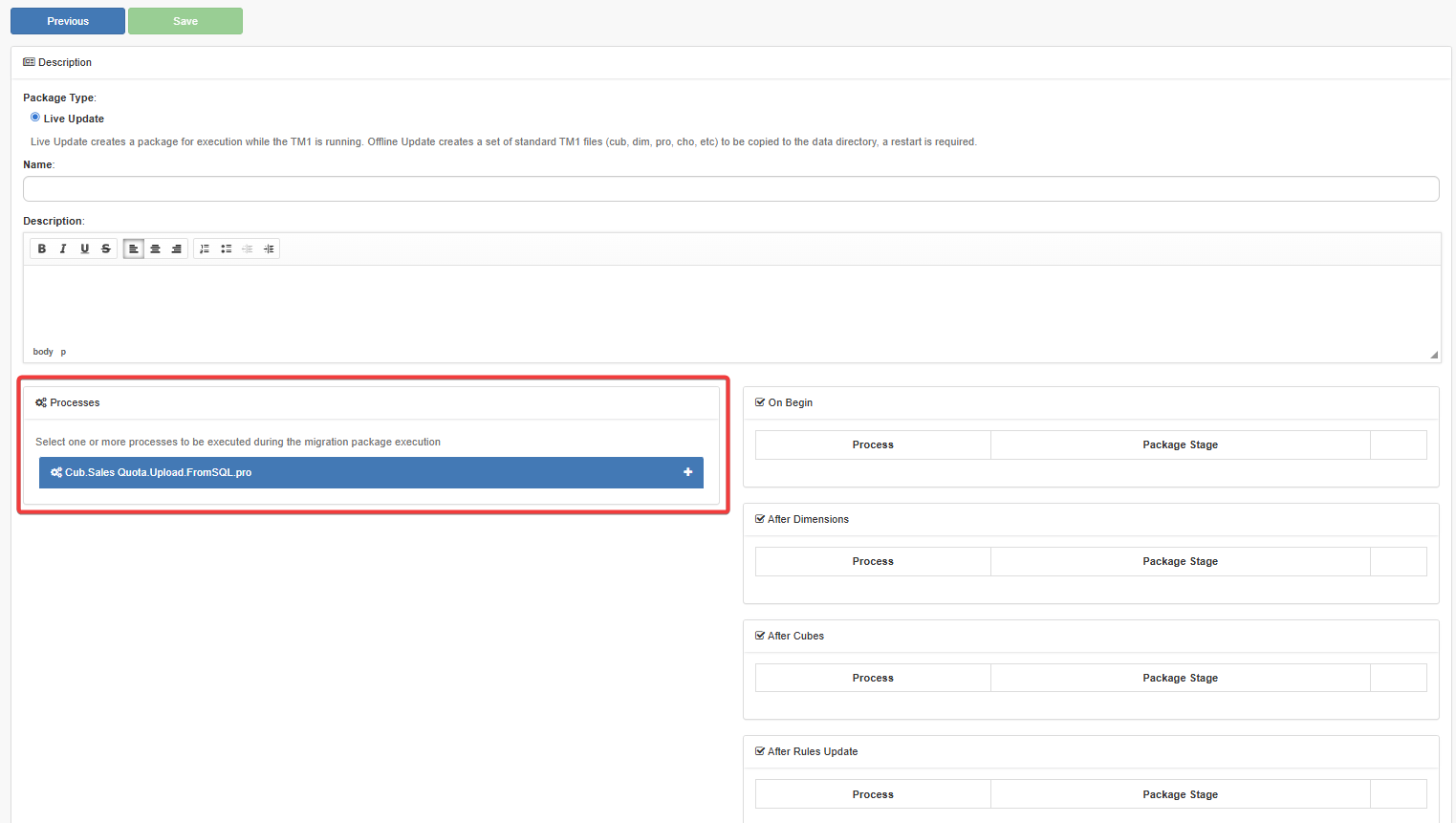
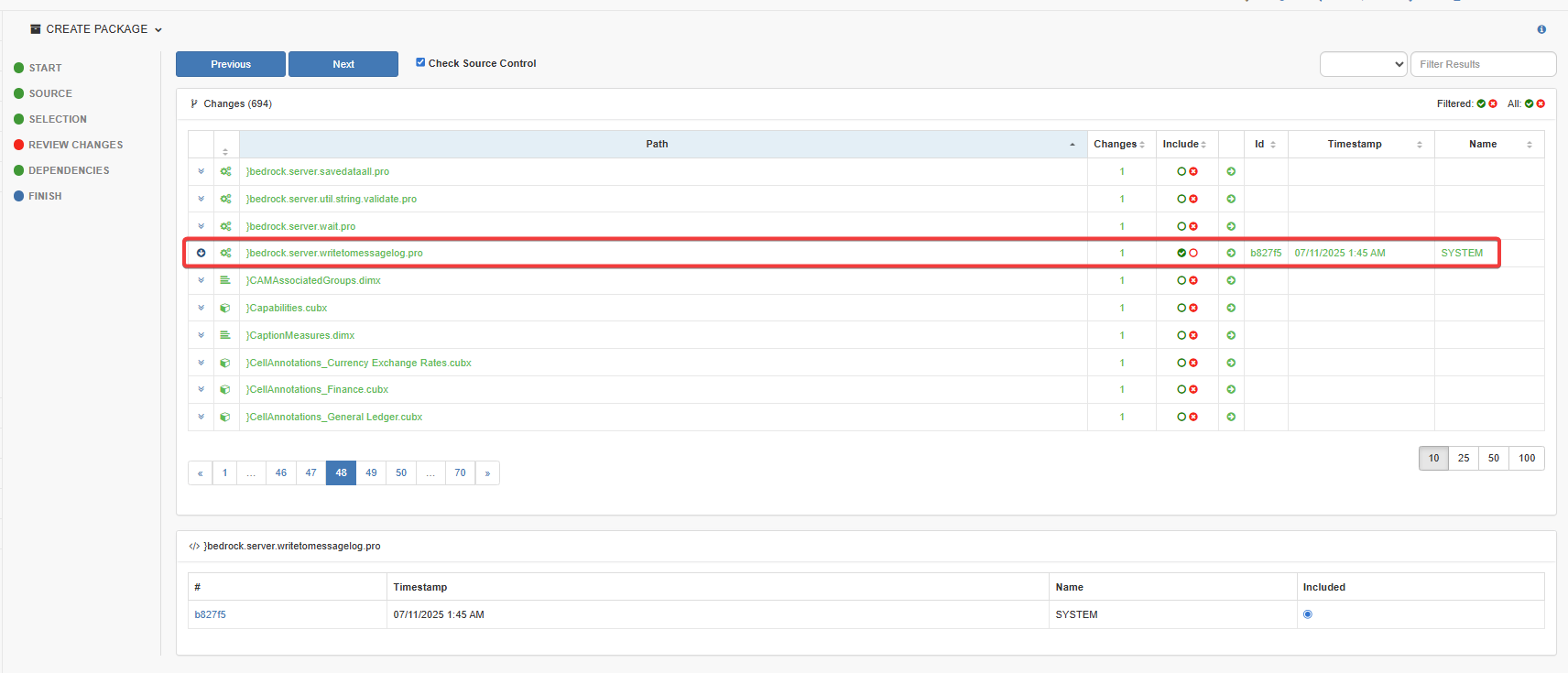
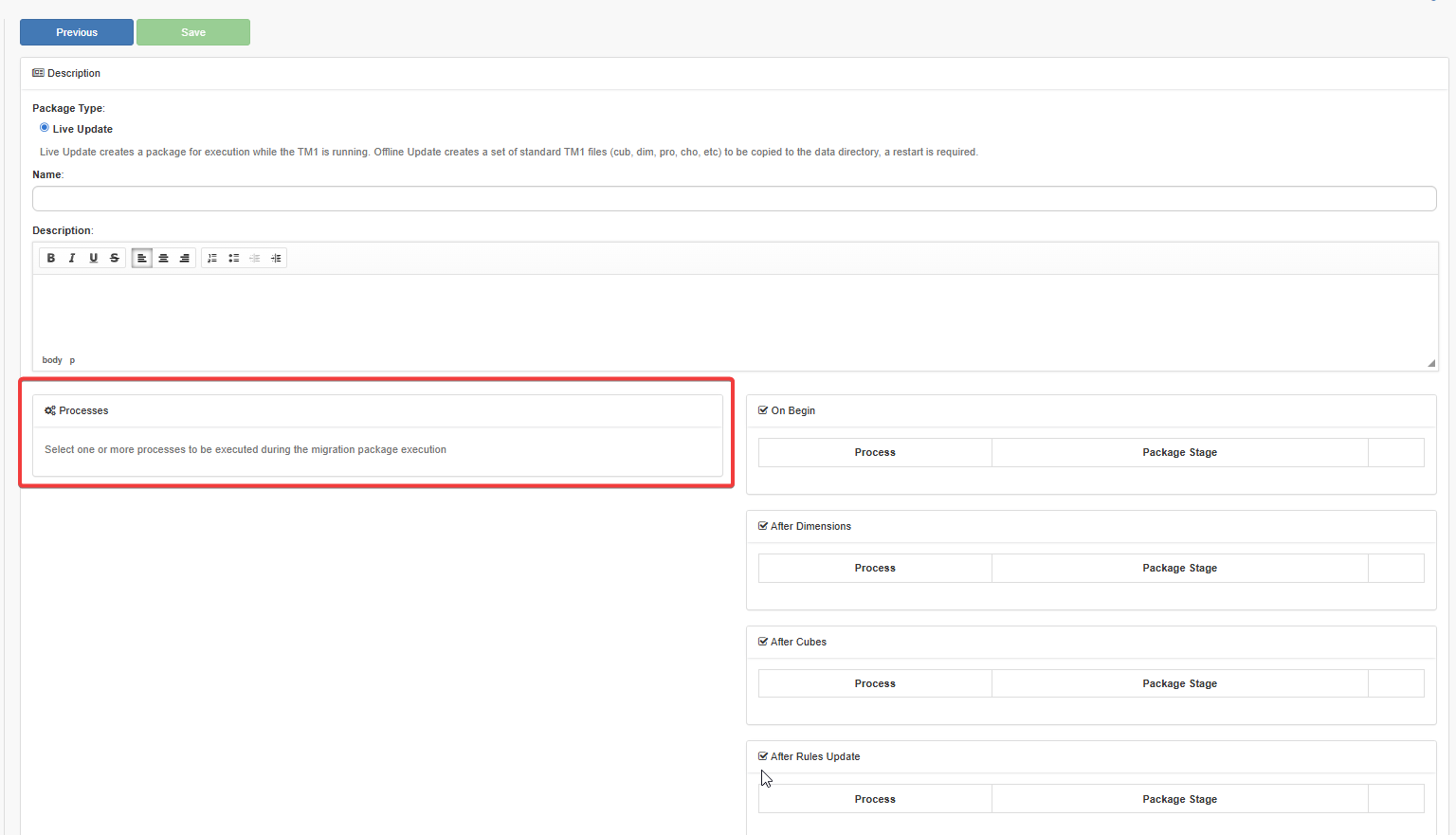
In Pulse 7.2.1, we have noticed that if the process start with a special character it cannot be selected in the “execute during migration package execution” screen (part of Finish sub step).
Has anyone else experienced this behaviour?
Without special character (expected behaviour) - process start with cube.<>:
Are you using < > characters in the process names?
These characters may be ignored in the Pulse UI because < > are interpreted as code markers. To prevent potential security risks, this type of character is not supported in the UI.
Another possible reason is that the process has parameters. If a process includes parameters, it will not appear on this screen.
Hello Vincent, do you have a document outlining what is and isn’t allowed in Pulse? For example, guidelines on object names for different Pulse objects or requirements for user passwords in Pulse (since user credentials didn’t work in the past).
Thanks,
Pawan