Hi ,
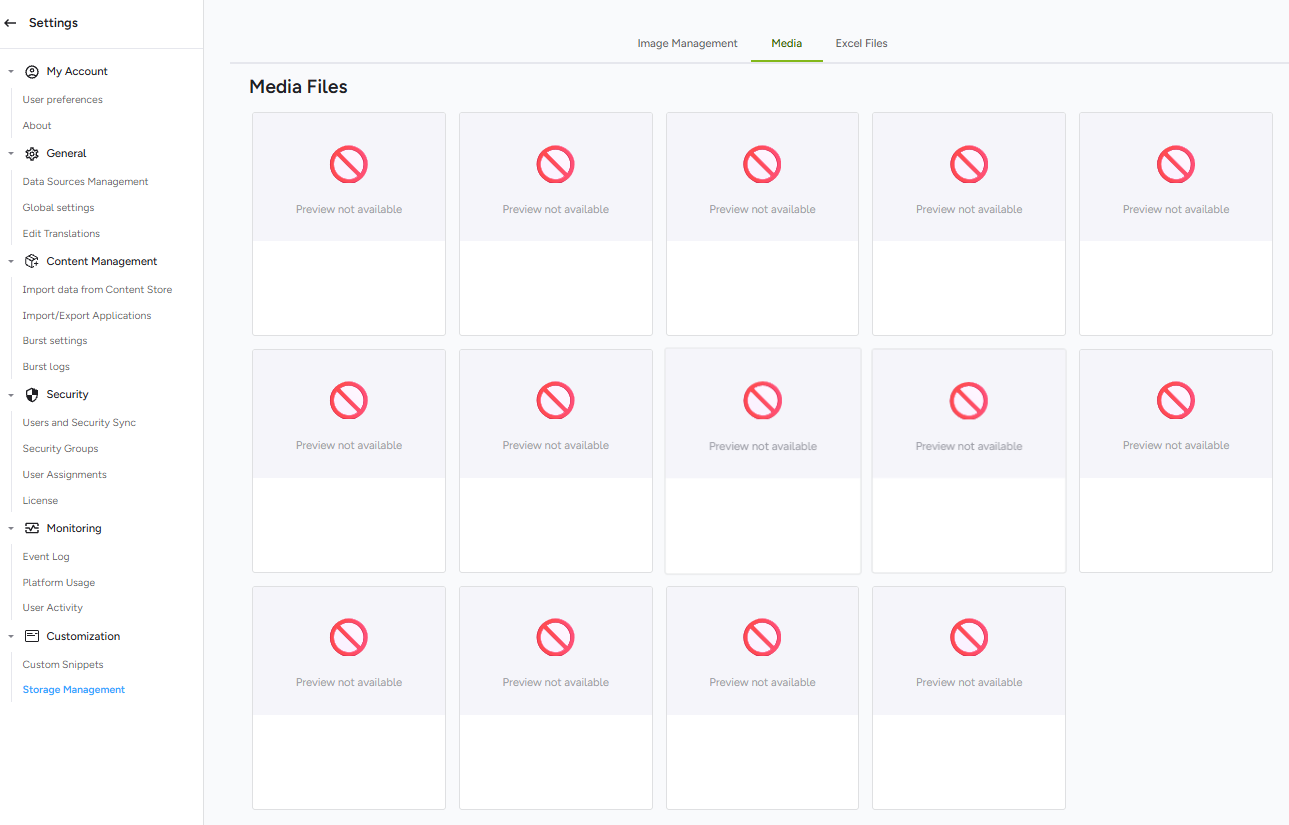
Under Storage Management > Media, multiple files show a red prohibited icon with “Preview not available”, and there is no option to delete them in the UI.
How can we safely clear these broken media records, or which backend folder/control cube should we clean up?
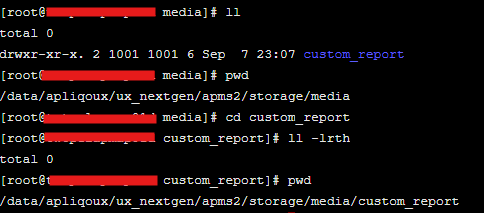
ps. The server-side storage folder for media files has already been cleared. Not sure if deleting them manually caused a mismatch with the front-end, leading to this issue?
Thanks!
Lance
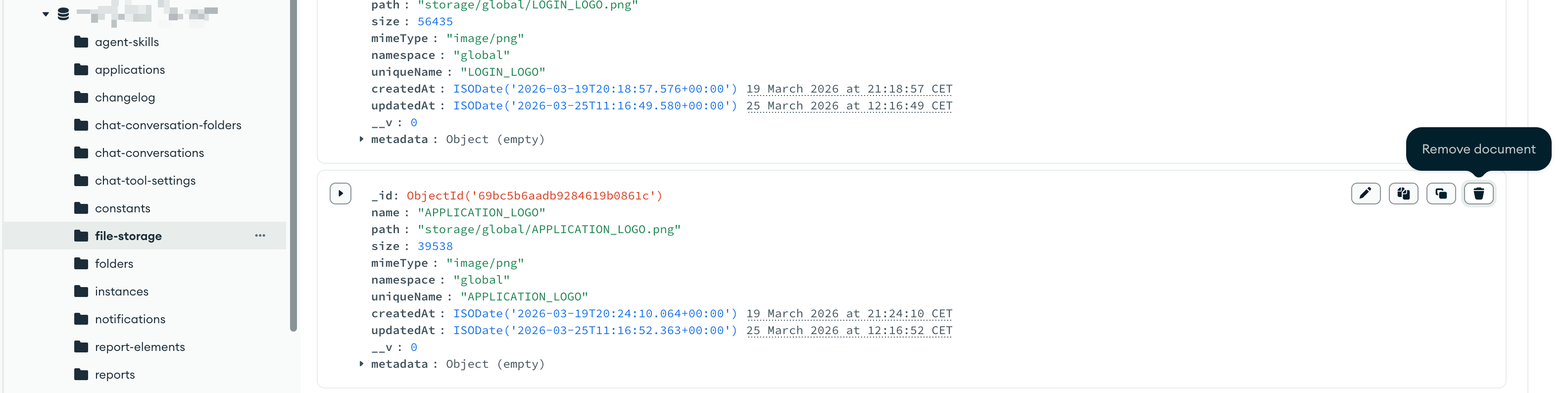
Yes that’s exactly what happened. The content store in MongoDB needs to be in sync with the file storage contents. The records still exist in the file-storage collection in mongo but can’t be located on disk which is why you are seeing the errors and also why you can’t delete since the file can’t be found.
To avoid this delete through the GUI, don’t clean up files on the backend.
To fix it you will need to edit the collection in Mongo (which is explicitly not supported!)
For example:
Again - this is not something you should be doing. Please don’t do this!
We do intend to improve this and remove the dependency on the content store for browsing the file storage but this isn’t implemented yet.