This popup is currently broken and needs to be fixed! (@atrajer can you please make sure the demo app is fixed for next release on this screen?) To configure the Excel upload widget all that is needed is to drag the relevant dimensions to the correct place in the rows and columns. In this instance you would put product on rows and version and month on columns like this. Youcan ignore all other dimensions and leave them undefined for Excel Upload widget. You don’t deed to configure dimension settings for Excel upload. All that matters is which dimensions are on rows and columns.
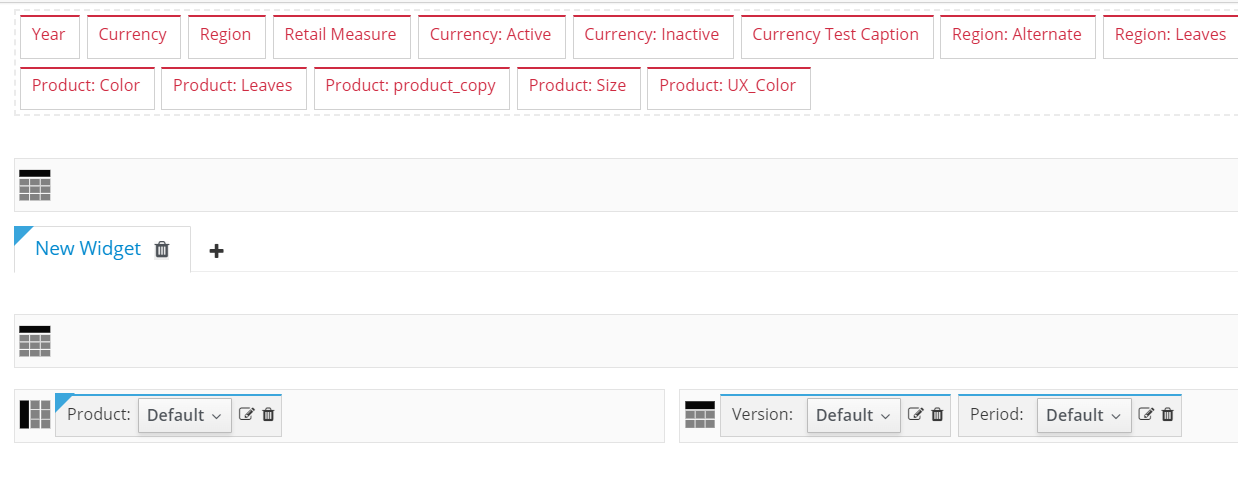
So the popup then looks like this.
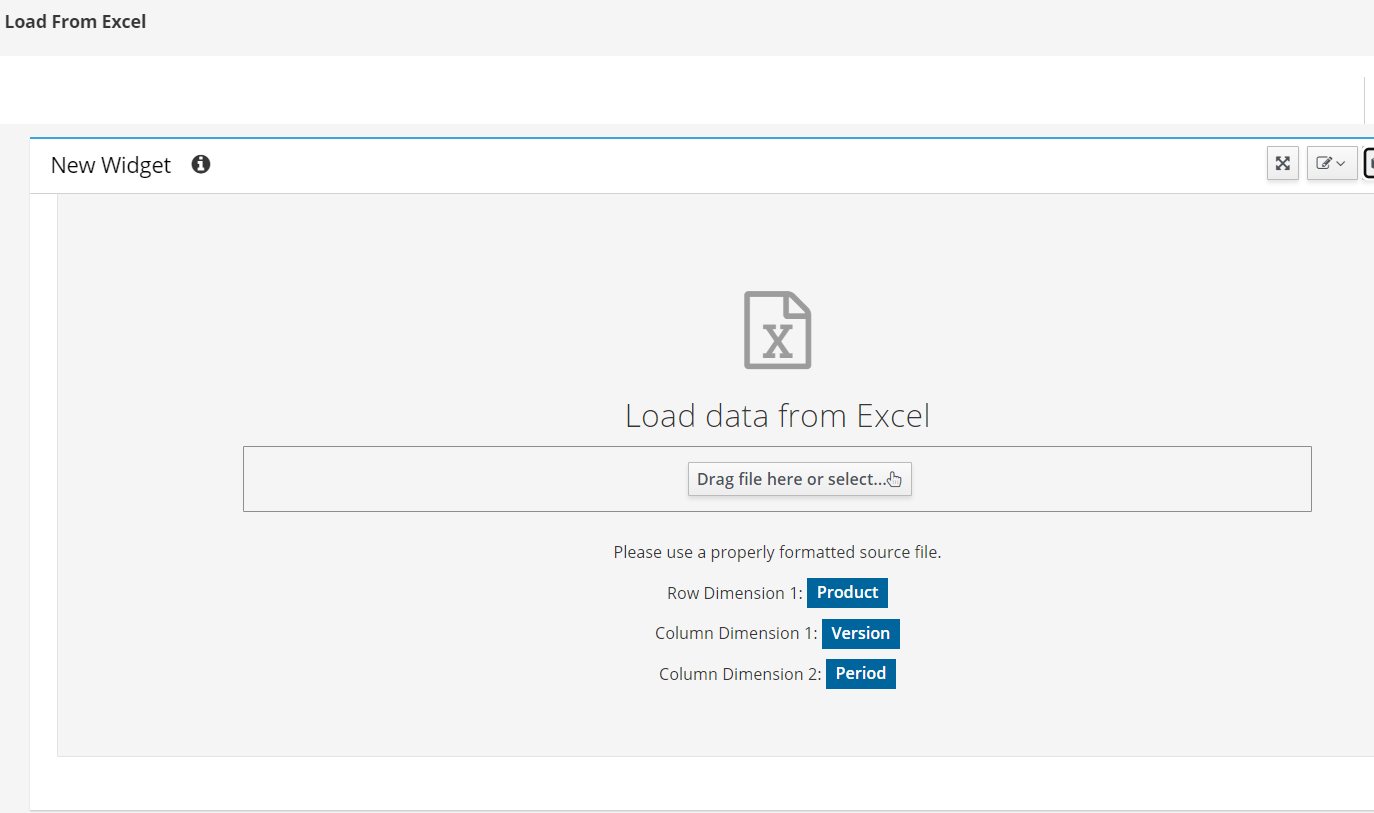
Then to use the load from Excel feature you would just export to Excel from the main view.

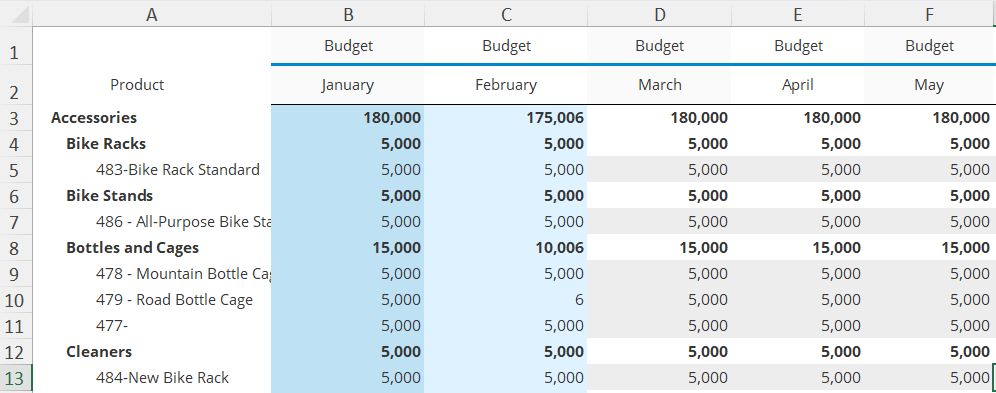
The Excel looks like this.
Then in Excel you can change the values and save.
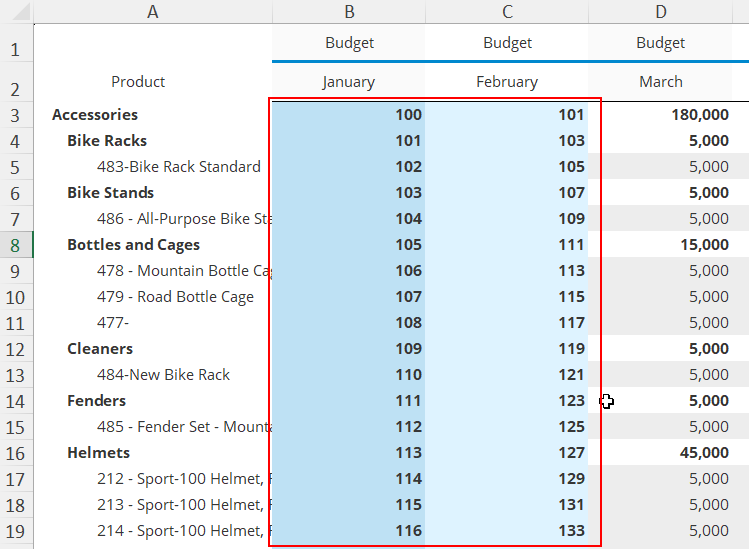
You then drag the Excel file to the uploader widget.
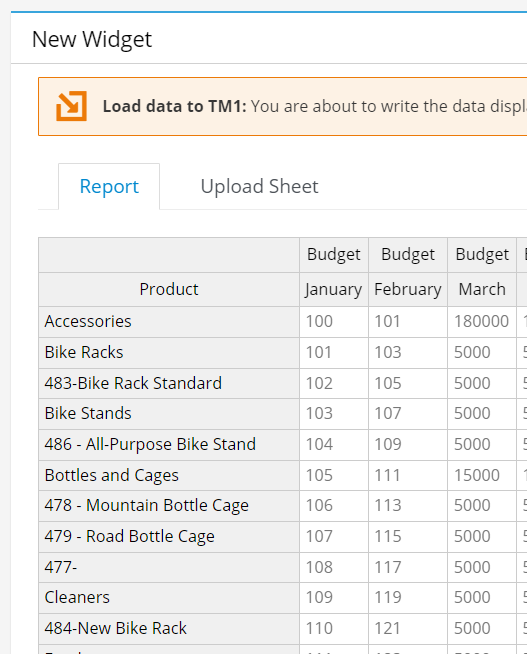
When you click load the data is written back and when you close the popup you see the changes in the main dashboard or view. Note: the uploader only updates the cells which are writeable. Any cells which are consolidations, rule calculated, or the user has no write access to are automatically skipped.
