With Pulse 5.8.2, is there any way to include control cubes (just 1 custom one really) in a flowchart report? The drop down doesn’t show objects with }.
Hi Chris,
Unfortunately the flow diagram does not show control objects. We will see if we can include this in one of the next Pulse v6 releases.
Cheers,
Vincent
Vincent,
May I ask if there’s been any progress on this?
Thanks,
Rob
Thanks Rob for bringing back this feature request.
We’re gearing up for a new release in mid-February. This enhancement will be included either in that release or in the following one, expected around May.
Cheers,
Vincent
Vincent,
That’s wonderful news!
While reviewing the feature request, please consider including control objects in the “Cube List,” “Dimension List,” and “Cube Dimension Matrix.”
Thanks,
Rob
I see this has been a requested since at least May 2017. Has there been any advance?
I’m not interested out of any desire to tinker with control objects, but the enhancement will help me refine my support requests (or avoid lodging them at all).
Hi @p.kenny ,
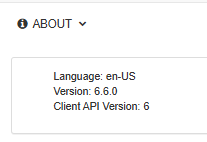
Sorry we forgot to reply to this post but I can confirm that control objects have been added to Pulse 6.6.0.
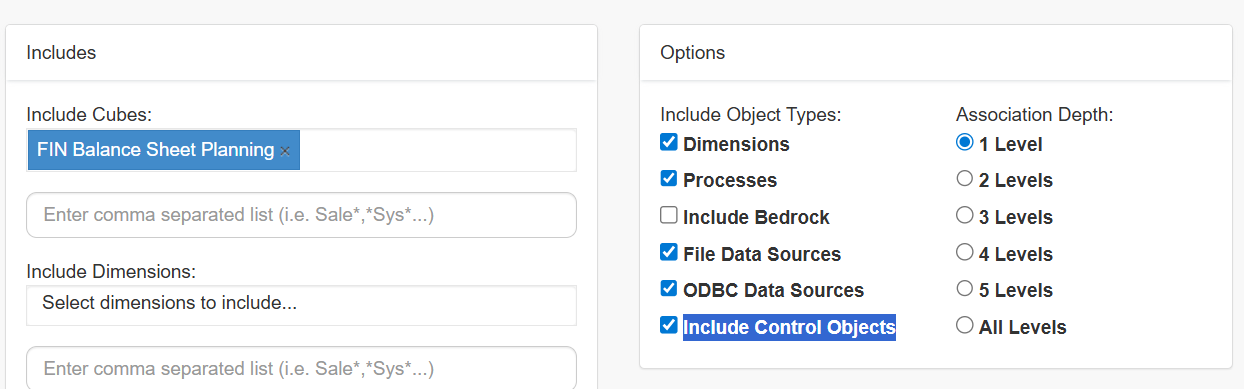
In the Flow Diagram feature, you need to tick Include Control Objects:
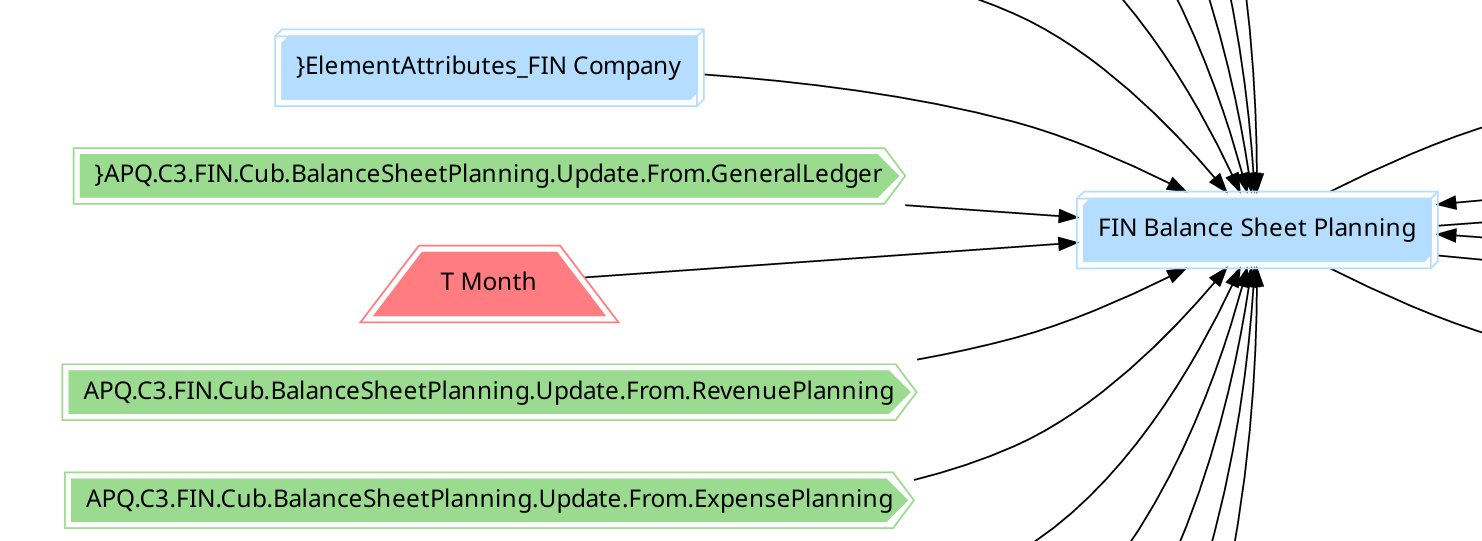
After generating the report, you should see control objects:
Cheers,
Vincent
Hi @p.kenny ,
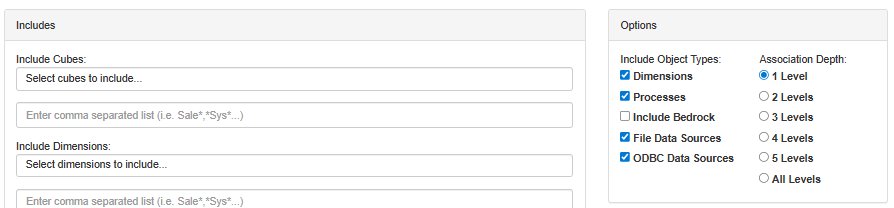
Could you please check if you have enabled control objects in the Pulse.cfg file: https://code.cubewise.com/blog/including-control-objects-and-bedrock-processes-to-source-control-and-relationship-diagrams/
I highly recommend that you to upgrade to the latest Pulse v7.2.1, there have been many optimizations and new features since v6.6.0.
Cheers,
Vincent