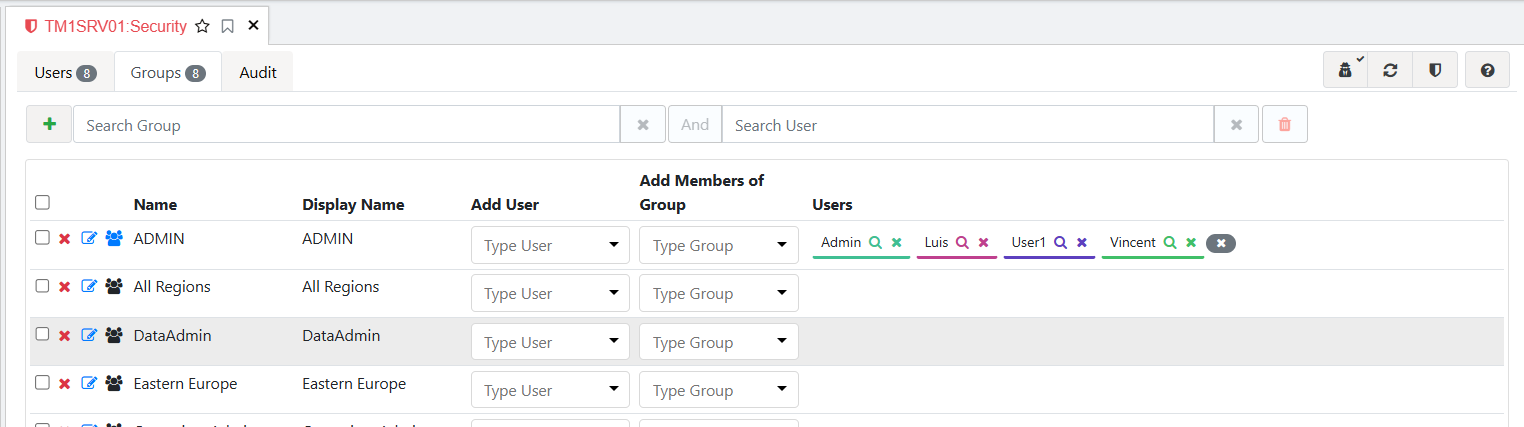
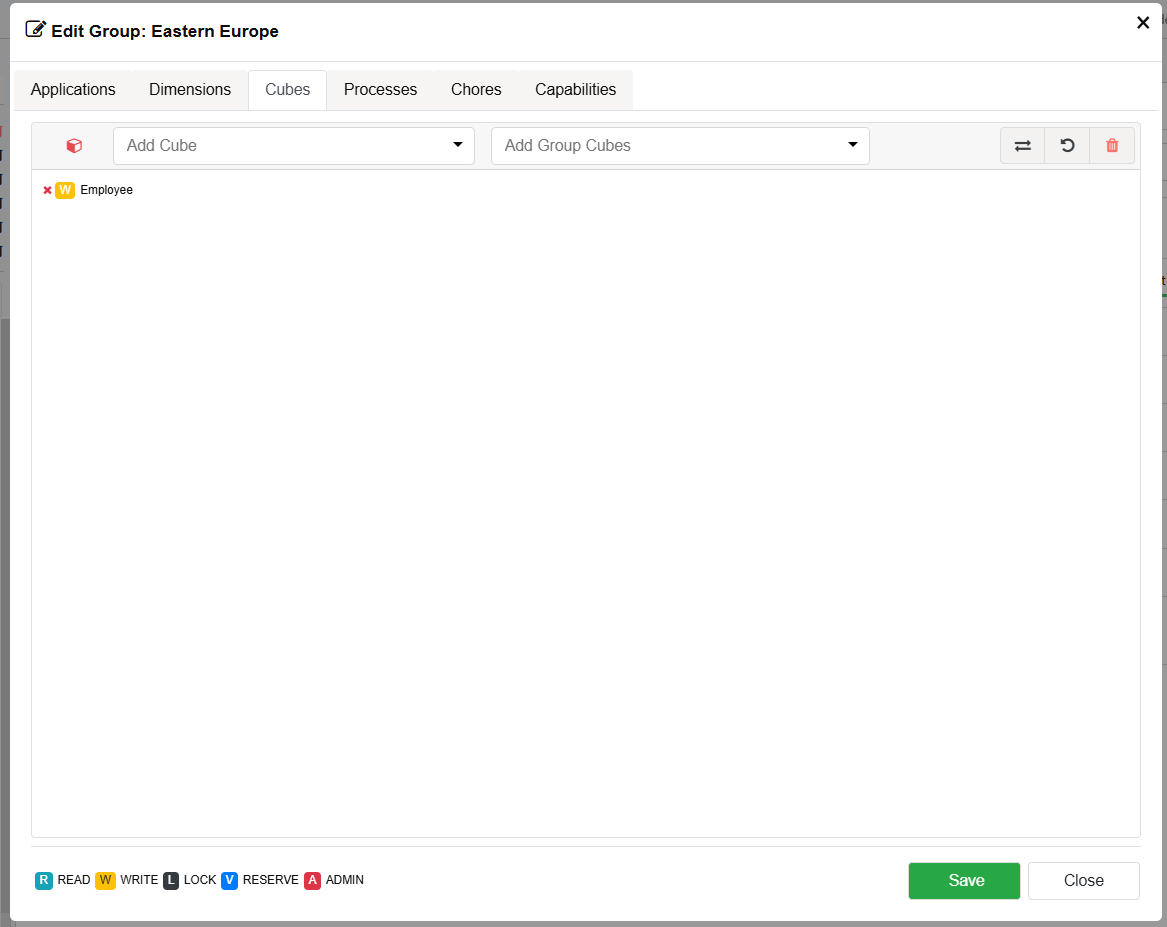
Because I’m (mostly) sure it did once, unless I’m having AI-like halucinations, more of which in a moment.
Remember this clunky old piece of machinery from Perspectives?
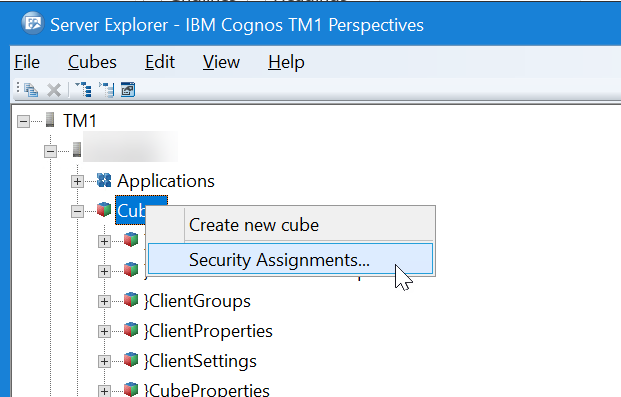
Which led to this:
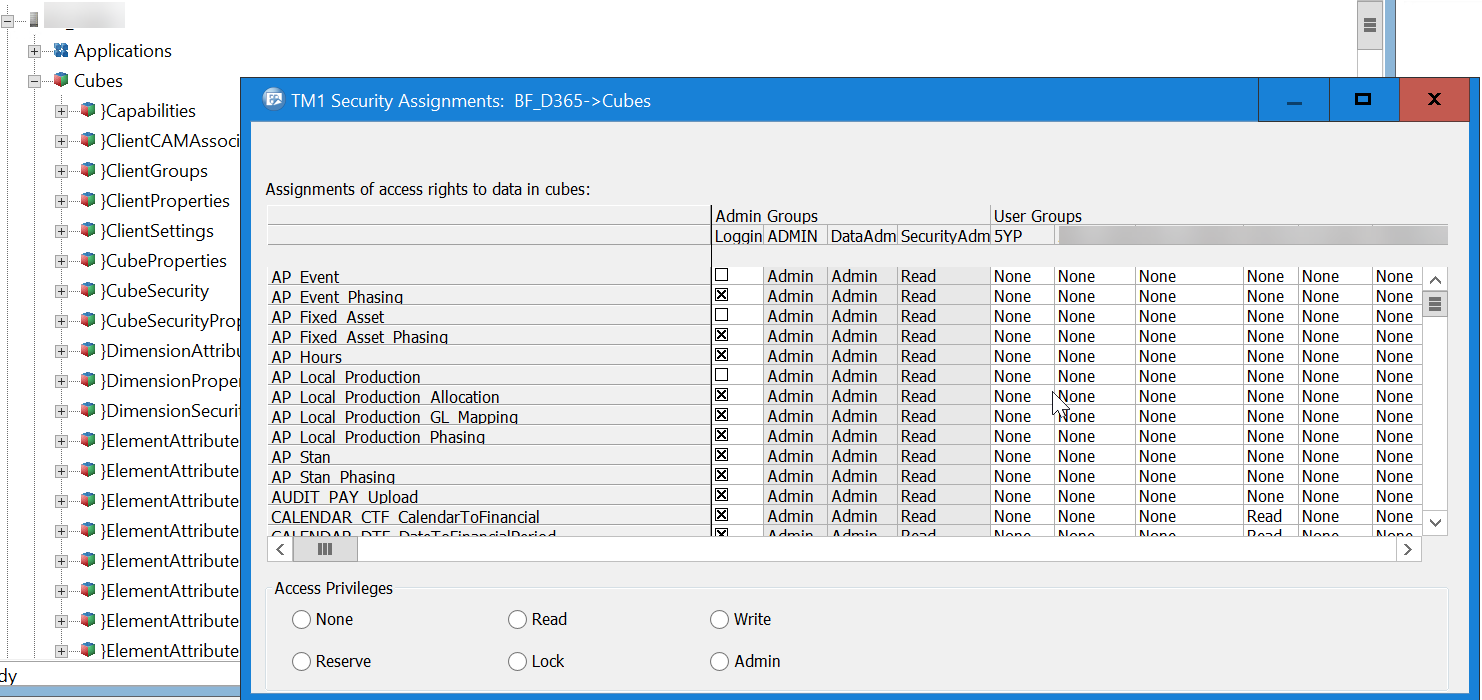
I can’t find an equivalent in Arc (any more). Nothing on the right click menu for cubes, nothing under the Administration node, nothing up my sleeve:
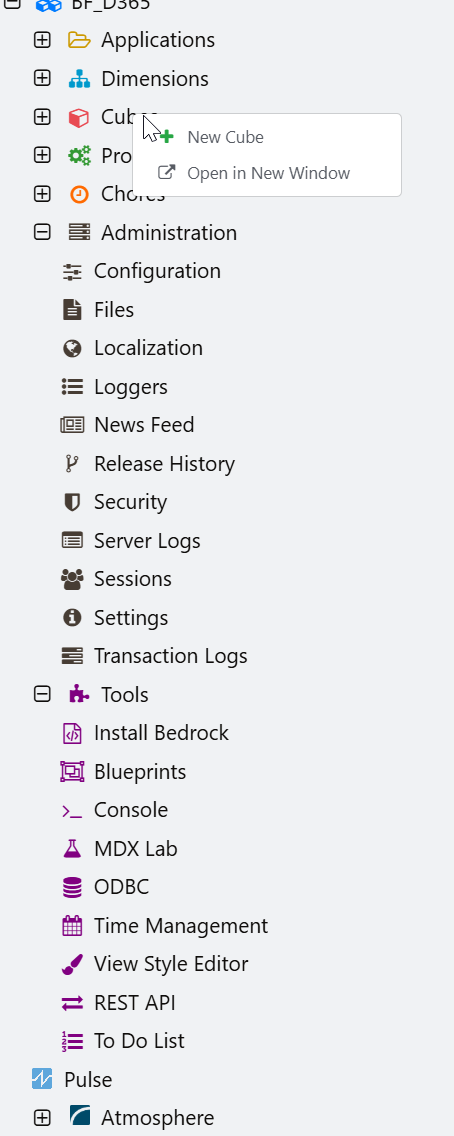
In quasi-desperation I even talked to AI (Gemini, specifically, for such is the choice here) about it.
“It’s under the Security item!”, Gemini exclaimed with total confidence which… of course was 100% incorrect since that only contains Users, Groups and Audit tabs.
Over the course of the conversation it gave me about half a dozen (increasingly outlandish) different places that it was completely confident that the screen was located, including under “the Wrench icon (Tools)”. No Gemini. Bad Gemini. If that Tools icon is supposed to be a “wrench”, then Cubewise needs better icon creators but i don’t think that’s the issue as much as Gemini’s halucinations.
I gave up when it suggested finding the dialog by bringing up “The Command Palette. Press Ctrl + Shift + P (or Cmd + Shift + P on Mac)”. No, Gemini, this is NOT Visual Studio Code, this is Arc.
So I left it to its halucinations but I still can’t find the dialog anywhere.
Gemini did suggest just punching the access straight into the }CubeSecurity cube, but as I reminded it, when you have the API (whichever API the relevant GUI is using) assign the permissions it also assigns them to all dependent objects like dimensions. If you assign the permission straight through the system cube, then you have to assign all of the dependent object permissions manually. I’ve been bitten in the backside by that one before too.
For the moment I’m just going to use Perspectives to assign the permissions to the new cubes but the question remains… does the object permissions dialog exist in Arc, and if so where on earth is it?