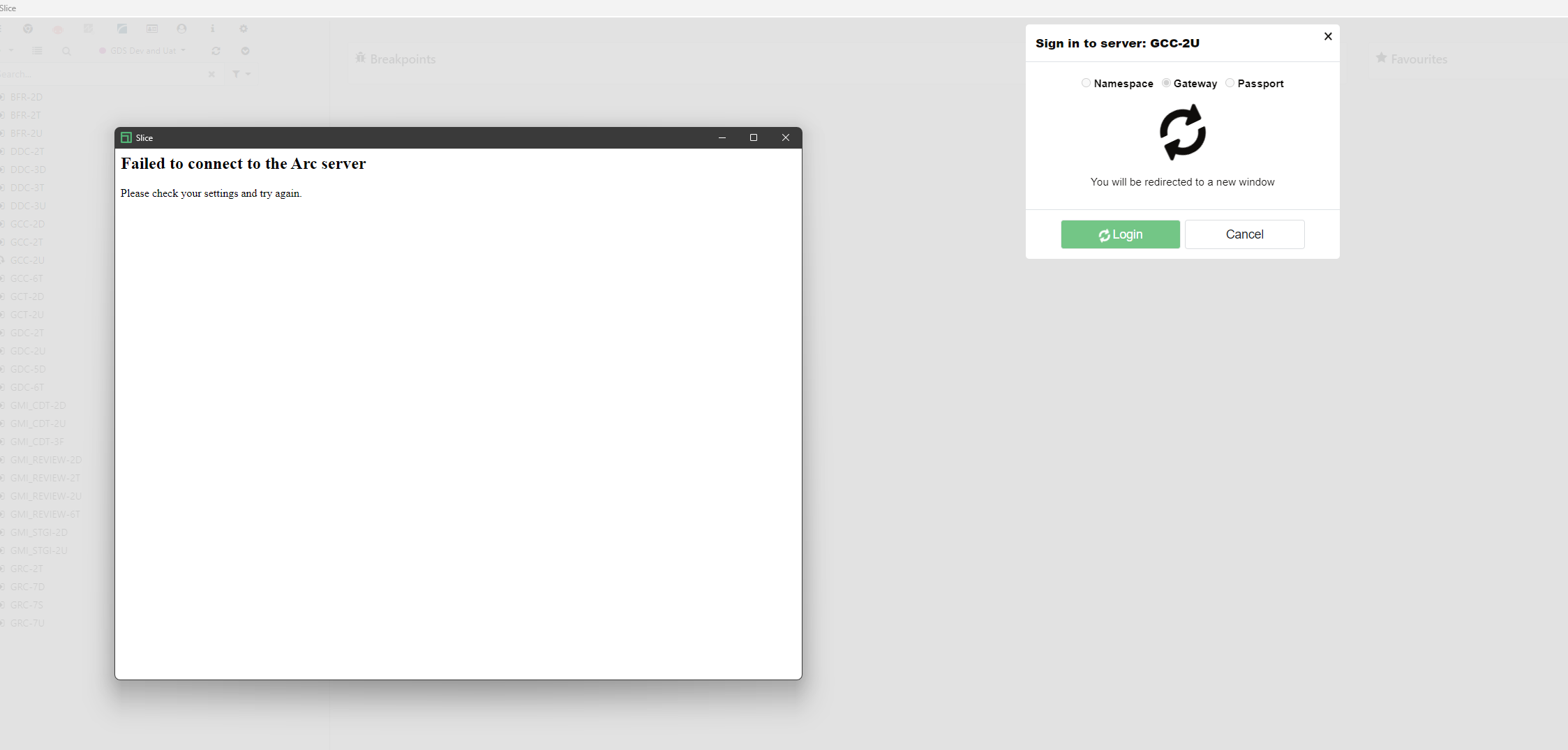
Hello All.
is any one getting the below error while logging into Arc via Slice for the first time?
“fail to connect to Arc server” error on first login
Hello All.
is any one getting the below error while logging into Arc via Slice for the first time?
“fail to connect to Arc server” error on first login
Hey Pawan,
Are you passing correct URL in Slice setting? And are you also connecting from different machine via Slice to Arc service on different server? Could be also firewall related in case machine where you are running slice is being blocked by firewall.
I would suggest first use Arc url and try from same machine via browser and see if you can connect.
Cheers,
Vivek
Hi Vivek,
Yes — the correct Arc URL is set in the Slice settings.
And yes, I’m connecting from a different machine via Slice to the Arc service hosted on a different server.
I’ve also tried opening the Arc URL directly from the same machine in a browser, and that works.
Given that, I agree it’s likely a firewall/network rule blocking the Slice traffic. I want to check via a post on the forum as well to see if anyone’s hit the same issue and what they did to resolve it.
Cheers,
Pawan
3 suggestions on top of my head:
Please try installing as Installer on your Client’s machine and as admin.
Please check logs in Slice and see error details.
Try including Slice folder from antivirus exception list.
Adding a note : In case useSSL is false for Arc setting i.e Arc url is not secured, this was one of reason in request being blocked. So, you can set useSSL as true and use https instead of http.
Cheers,
Vivek
Hi Vivek,
Thanks for the suggestions — quick updates from my side:
Install as installer/admin: It’ll be deployed via package installation on the client machine (so install context/admin rights will be handled via the packaging process).
Slice logs: Yes, we’re checking the Slice logs now to get the exact error details.
AV exception: Noted — we’ll add the Slice folder to the antivirus exception list and retest.
useSSL / https: We’re already using https, with UseSSL = true in the Arc settings file.
Cheers,
Pawan