Hi All,
Reviewing the Pulse user sessions, I see a blank user. How do i see which user is this?
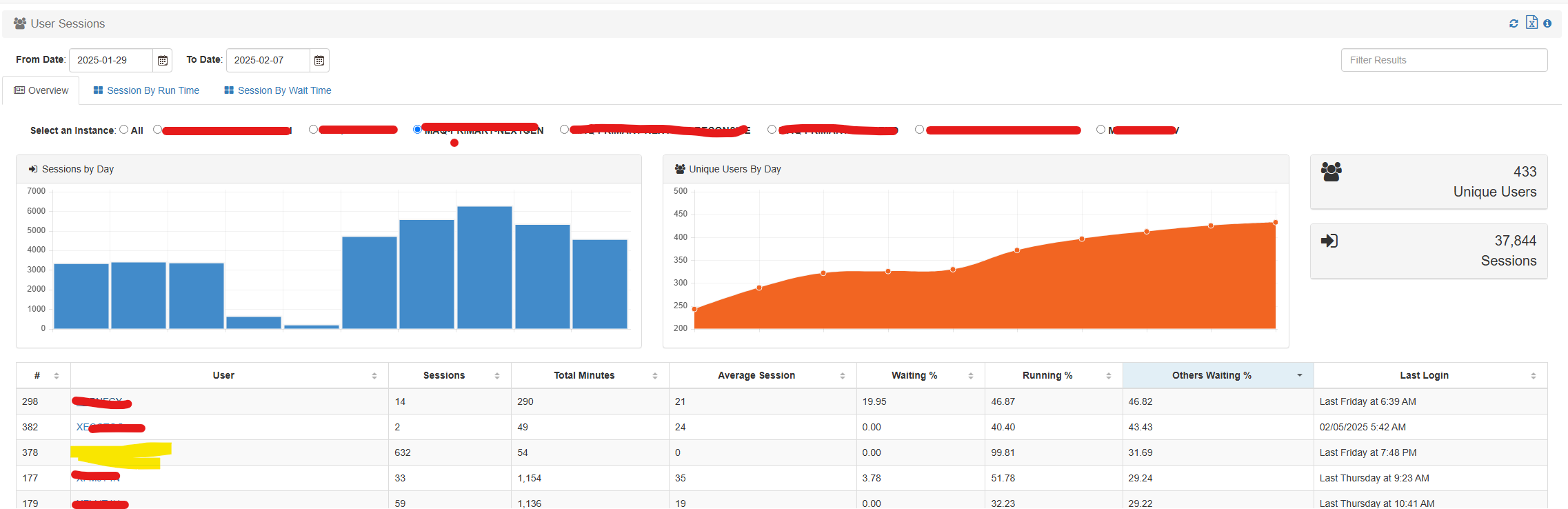
There is no way to see details of this user session.
@Vincent - Any insight would be appreciated.
Vikas
Hi All,
Reviewing the Pulse user sessions, I see a blank user. How do i see which user is this?
@Vincent - Any insight would be appreciated.
Vikas
Hi @vbhatia,
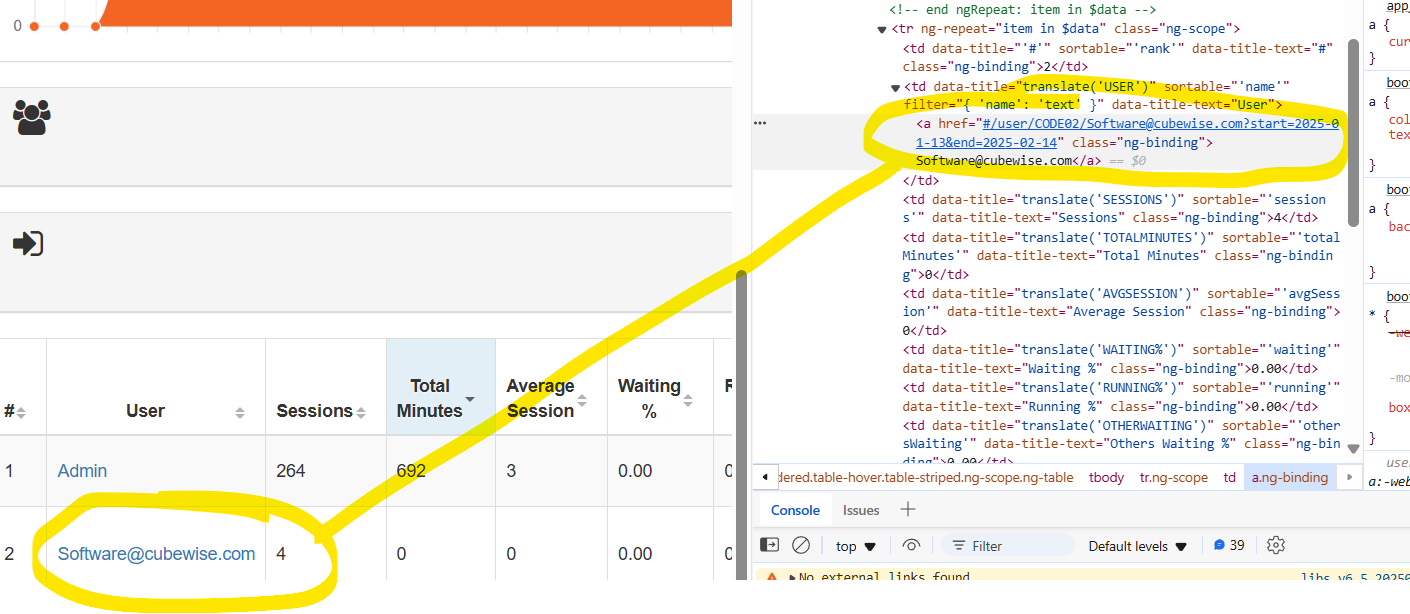
If you right-click on that blank named user and inspect page like so,
Are you seeing a name or a text in there?
We might need both the database and the HAR file for the above, so possibly best to create a ticket for it so we can investigate further.
Cheers,
Paul
Hi Vikas,
Could you please check in TM1 to see if this user has an alias set up in the attribute cube?
Cheers,
Vincent
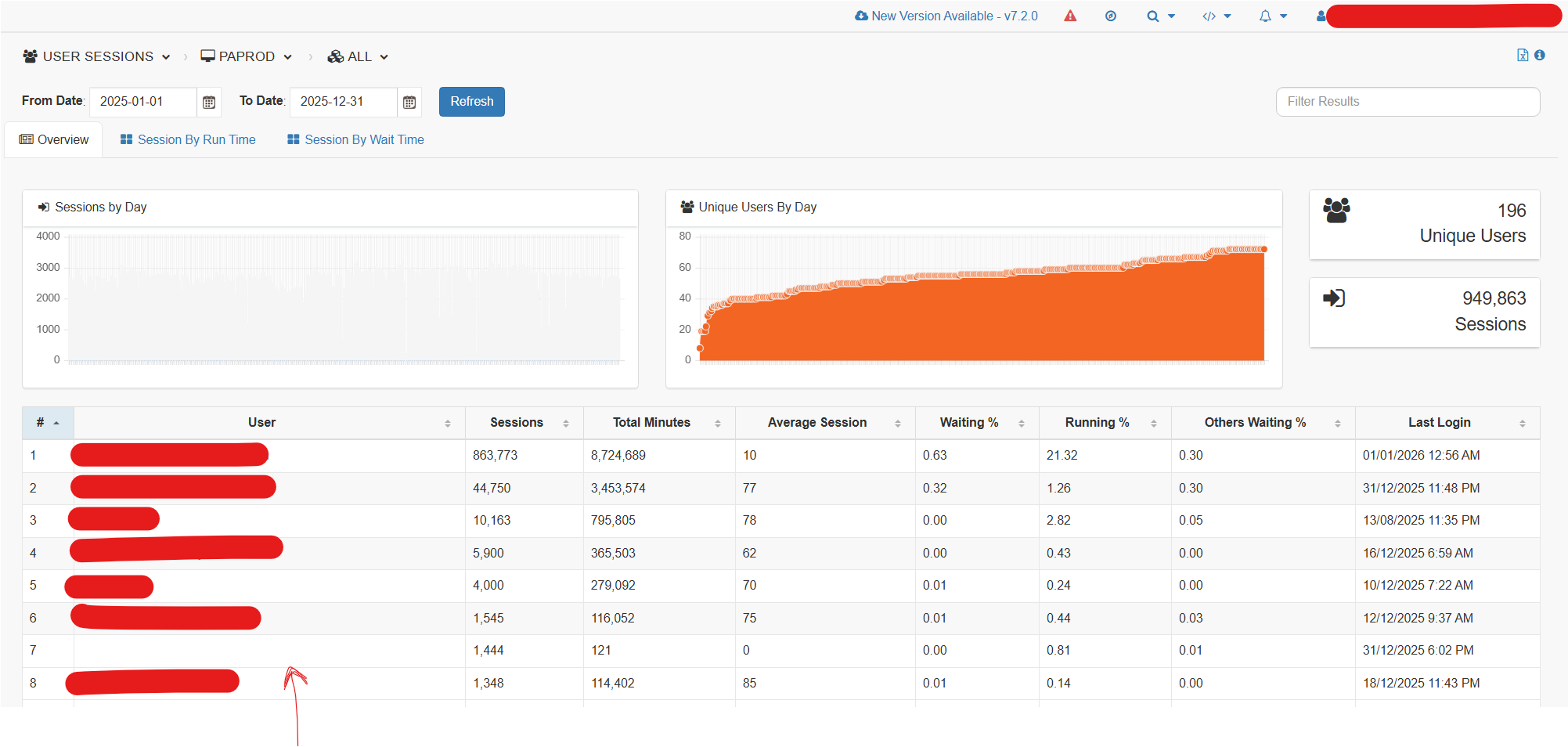
Hi @Vincent was the cause of this identified? I am at a customer that is also seeing a blank user in the sessions list. The same blank entry appears in the license optimization report.
Inspecting the table cell shows this:

There are several users that have a blank ‘}TM1_DefaultDisplayValue’ alias
Pulse version is 7.1.0
Pulse displays username if the displayname is not available in the user sessions table and license report.
In this case both of them are not available in a tm1 session. The reason for this is discussed in the following topic User Session "?" in Pulse , highlighting the potential cause, to be thread handling delayed authentication or invalid authentication in TM1.
This raises the question, what causing the delay in tm1 when handling authentication.
These session can sometime be longer and gets picked up by Pulse.
We can’t treat this as a bug, since pulse try to sumarrize all the session data that TM1 provides.
We can ignore them or can be labelled as system (i.e. TM1) related.
This require further investigation to confirm the cause of the reported issue.
Please can you open an issue and provide a possible scenario when such sessions get reported.
thanks,
Johnson