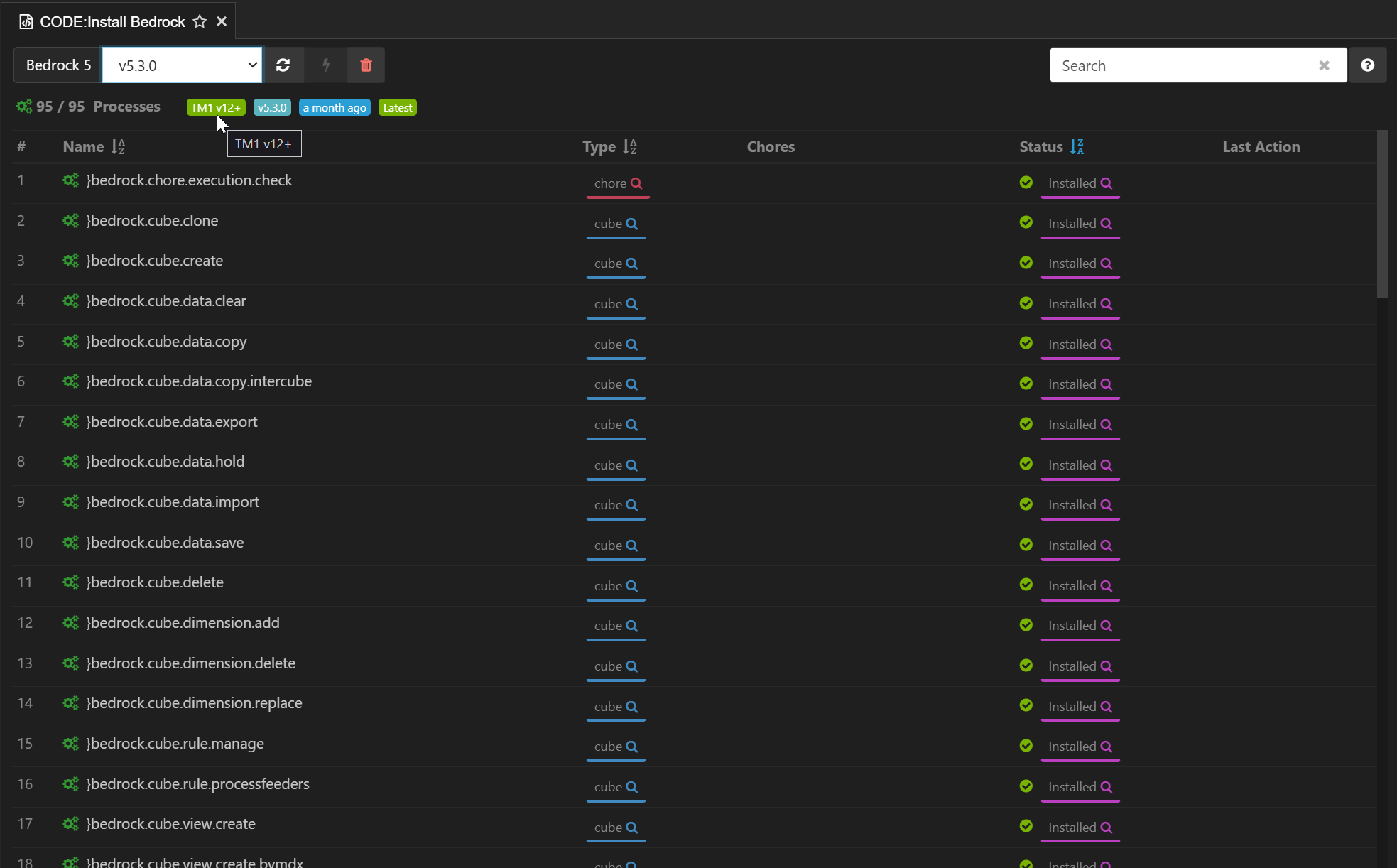
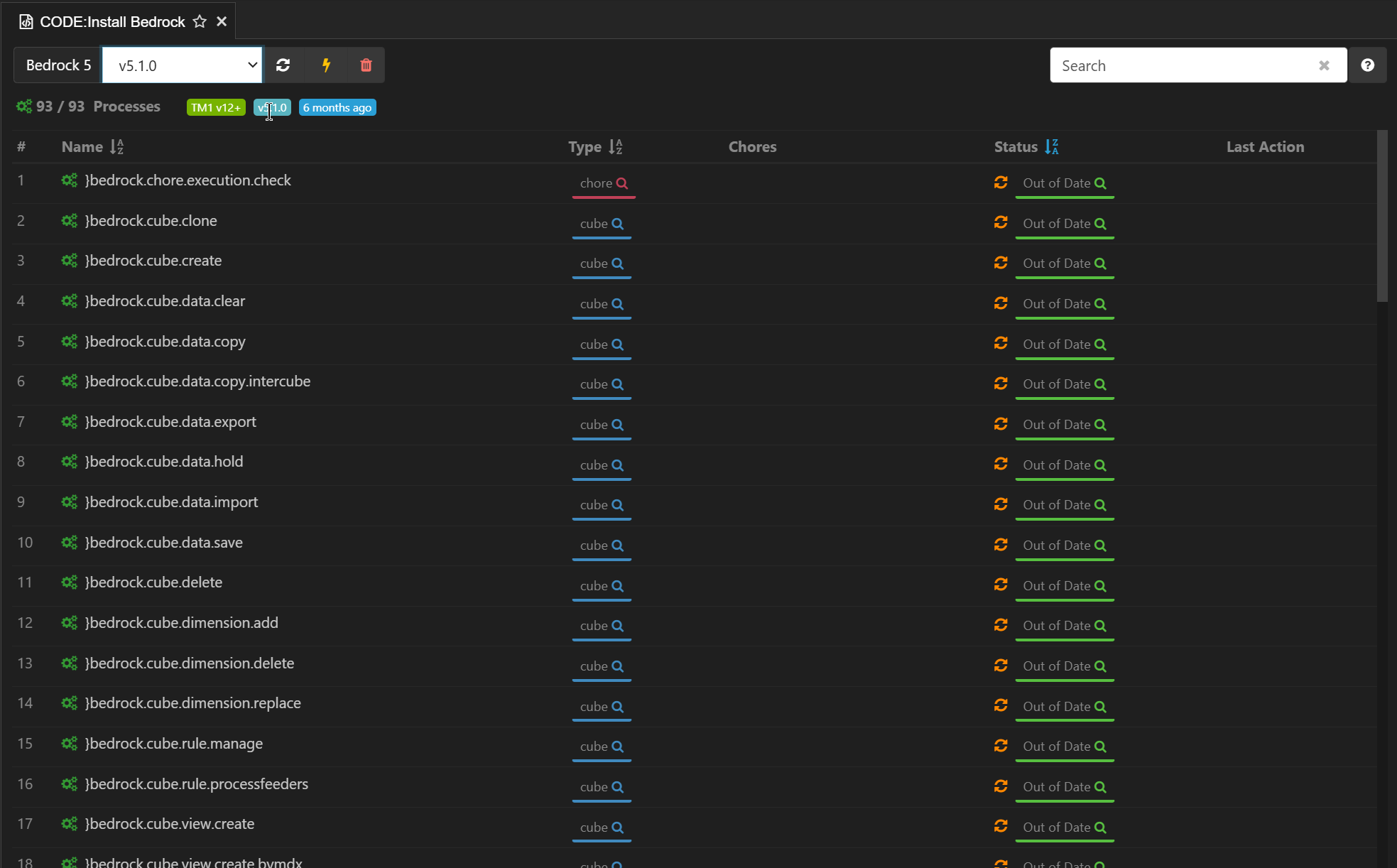
I was wondering if there is a way to install Bedrock 5.x on PA 3.15 (V12) on‑prem. The installation instructions refer to an API Key, which is not available in the on‑prem version.
I don’t think we’ve tested that scenario yet. We are constantly working on v12 support, but it takes a fair effort to upgrade our testing servers, and we can’t cover every scenario.
TLDR; It’s worth a try, but no guarantees. If it doesn’t work, submit a support ticket and we’ll work with you to get it resolved.
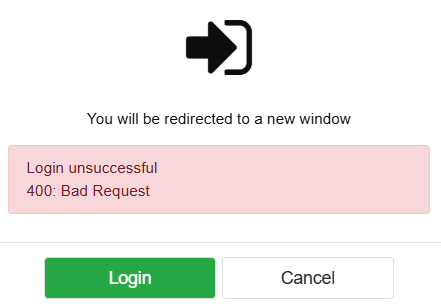
Hi @harvey, I did try it the other day. I used a similar a similar connection URL to what is used for PAaaS (v12) and it prompts for an API key like it does for PAaaS (v12). I wasn’t able to log in as I have a user name and password (OIDC). I’ll wait until it is tested and supported before I raise a ticket as I’m not in a position to work with you to resolve it.
EDIT: Arc didn’t prompt me for an API key. It cam up with a Bad Request.
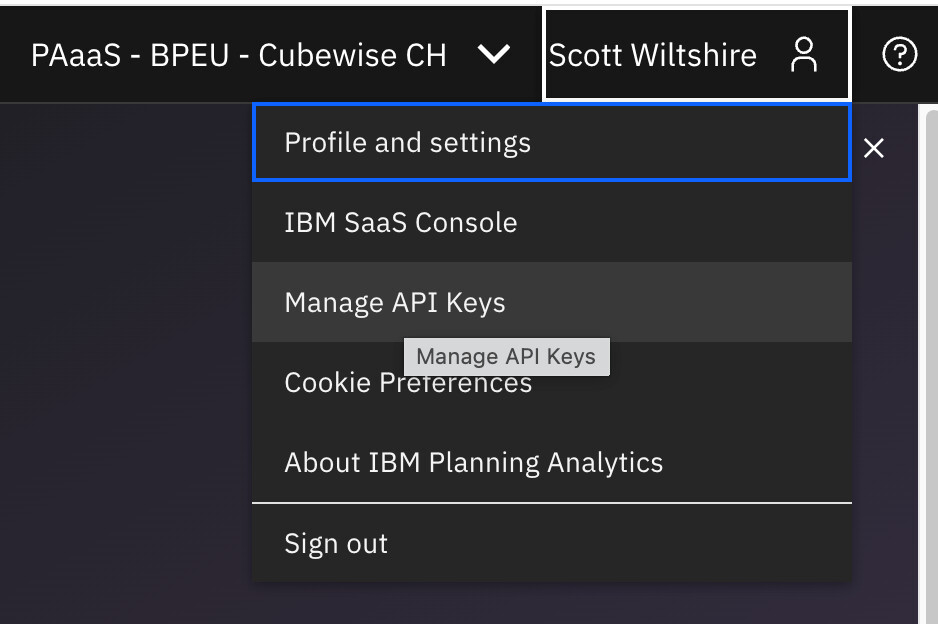
In Workspace under your user name there should be a “Manage API Keys” option where you can generate a API key for your user. You can then use this to authenticate with Arc or any other 3P tool to PAaaS.
We are still living in a world where IBM hasn’t provided any mechanism to authenticate 3P tools to PAaaS except for API key. So it’s still this or nothing.
Hi @cw-ch-scott, That’s for IBM PAaaS (v12). This question is about PAL 3.1 (v12). The on-prem non-containerized version of version of v12. The “Manage API Keys” is not a feature of the local version.
It appears that the Bedrock code is consolidated in bedrock.json file. Could someone advise on the most effective method to extract the information and manually build each Bedrock process? V12 introduces a new TI data source called “JSON file,” though I’m not yet sure if it can be used to recreate the bedrock process. Thanks
We do and currently testing it. We are interesting to see how the }bedrock.process.multithread work on v12 on-prem. It would be nice if somebody provide the TI code for it. Thanks
If it helps, here is the code I that used to load the processes in to my PAL 3.1 (v12) database. There is no error checking and it will not work if the processes already exists. You’ll need to be logged on (as a TM1 admin) in PAfE. It just loops the JSON files in a folder and posts the contents using the PAfE API. I only had one PAW environment, it may not work if there are multiple. If you do use the below code, please use with caution as it is not thoroughly tested.
Option Explicit

Sub LoadProcessFromJSON()
    Dim sFile As String
    Dim sPayload As String
    Dim sResponse As String

    Const csHOST As String = "http://localhost:8080"
    Const csDB_NAME As String = "tm1Serv"
    Const csFOLDER As String = "C:\bedrock-5-main\bedrock_processes_json"

    sFile = Dir(csFOLDER & "\*.json")
    Do While Len(sFile) > 0
        Debug.Print sFile
        sPayload = OpenTextFile(csFOLDER & "\" & sFile)
        sResponse = DataPost(csHOST, csDB_NAME, "Processes", sPayload)
        Debug.Print sResponse
        sFile = Dir
    Loop

End Sub


Function OpenTextFile(sFile) As String
    With CreateObject("ADODB.Stream")
        .Charset = "utf-8"
        .Open
        .LoadFromFile sFile
        OpenTextFile = .ReadText
    End With

End Function


Function DataPost(sHost As String, sDatabase As String, sPath As String, sPayload) As String
    Dim objResponse As Object
    Dim sURL As String

    sURL = "tm1/" + sDatabase + "/api/v1/" + sPath
    Set objResponse = Reporting.GetConnection(sHost).Post(sURL, sPayload)
    DataPost = objResponse.ToString

End Function
Alternatively, if it is just the one process you want to look at and you have Arc connected to a v11 database, you could use the REST API plugin (under Tools) to post the JSON contents for the process to a database and see the process there. See https://code.cubewise.com/blog/execute-tm1-rest-api-query/. Just select POST, type Processes and paste the JSON for the body.