On a server without internet I installed Arc Desktop 6.0.0.
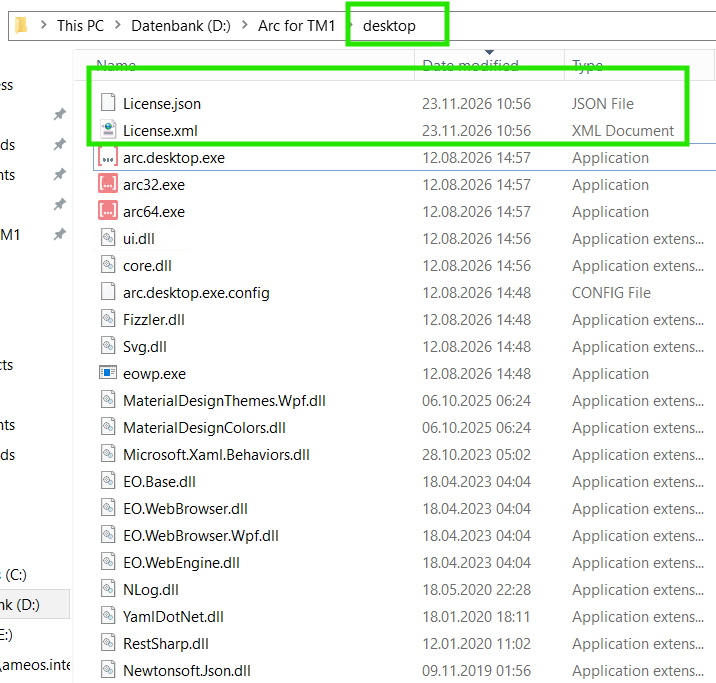
I followed the procedure here https://code.cubewise.com/blog/generating-an-arc-license-without-internet-connection/ to generate and validate the license, downloaded the two files and copied in the desktop folder as shown below, but when opening Arc again message regarding the missing license still pops up.
I see no log nor anything else that can help.
Any idea?