I am busy with training on Apliqo UX and want to load a websheet from TM1web. I am getting an error, “Failed to open the Target workbook”, I have tested and can access the workbook from TM1Web and I can access Cubeviews from TM1web on my Dashboard. Is there a certain way that the Websheet needs to be created or is there something else that I need to do check to access it? The Websheet is based on an Active form.
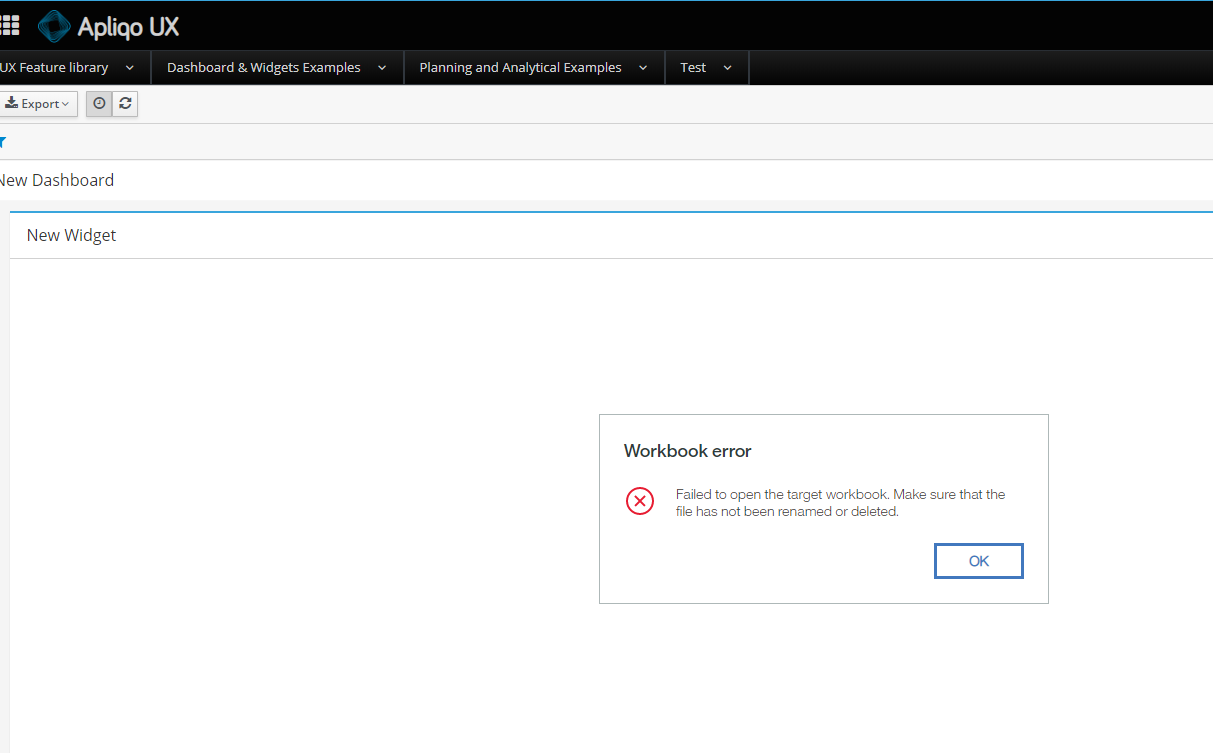
What is the application entry ID you are using for the websheet?
If my understanding is correct 2.1 as per the screenshot below.

I have checked the Content Store Settings and compared it to the UX demo page
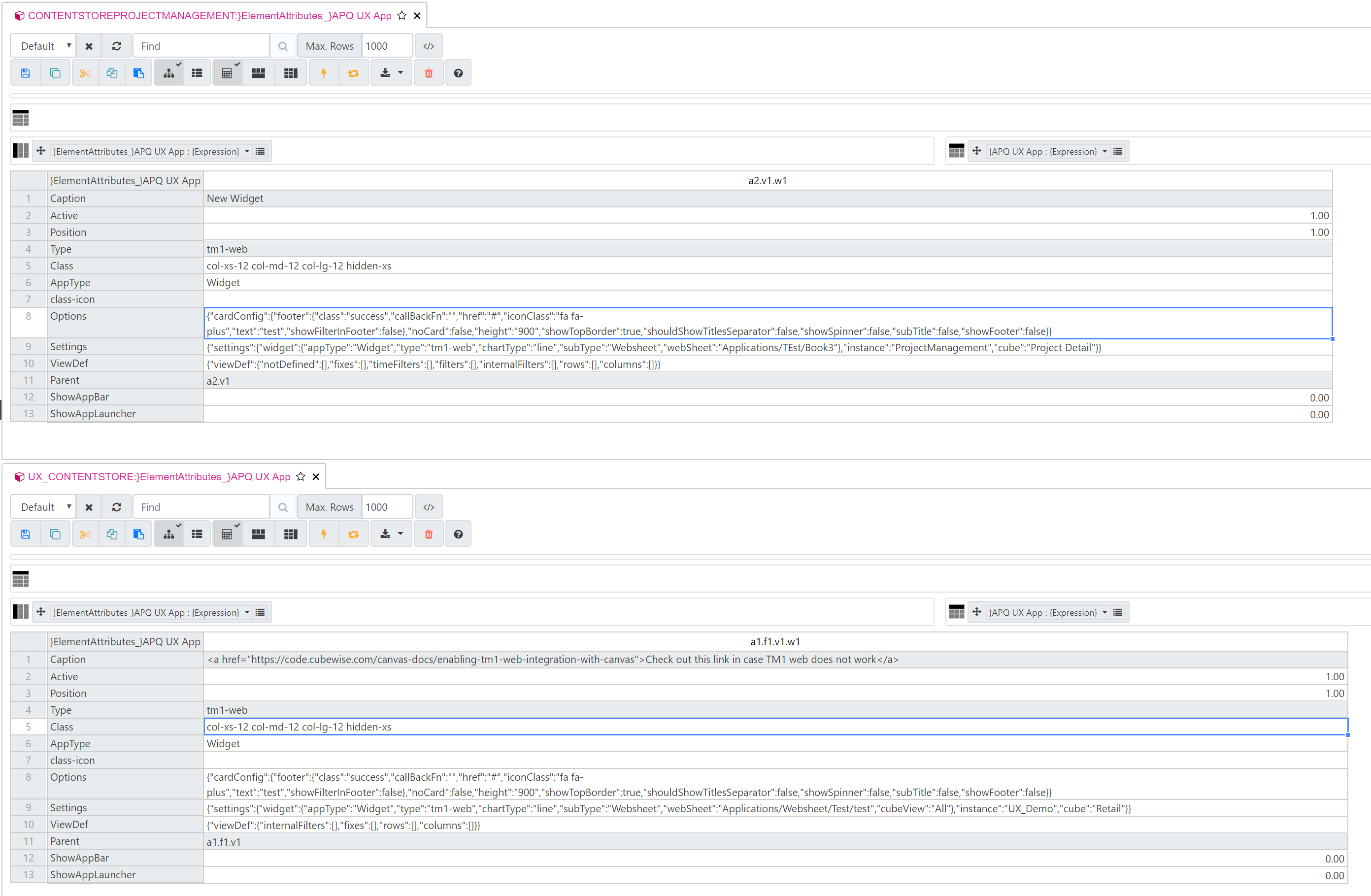
I’m not sure what the screenshots are showing. But all you should need to do is identify the instance and the websheet ID same as the principal name in }ApplicationEntries.
Sometimes you can get this error if the webseet has never been rendered before in tm1web or on 1st navigation. But if the same websheet is working in tm1web then it should be working in UX.
This was a bug has been fixed in the new fix pack.
1 Like
This is a completely separate topic and should therefore be a separate post.
But the answer is yes (obviously.) How is Apliqo UX supposed to render a TM1 websheet if there is no PASS? Ultimately the tm1web widget is just an iFrame pulling through content from an external website.