Hi @rdclapp,
When hiding the filter, you would still be selecting only 1 element of the dim I assume, right?
If that is the case, maybe another easier approach… you could do a combination of StrToSET and IIF, on the dimensions you would like to show/hide?
If the selection of the 1st filter is x, then force to be only 1 element, in the other conditions show the elements of the dim to be selected?
you can then disable the “subset editor” for this dim filter and you should have the same outcome I think.
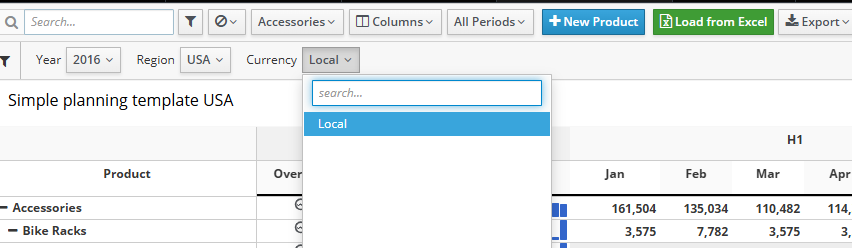
in this quick example, If USA region, Only Local currency displays…
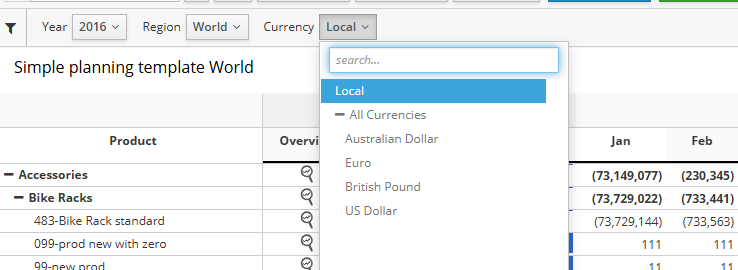
For others, show all currencies…
Mdx on Currency dim:
{StrToSET(
    IIF( "$<<UX_Demo.Region.Region>>" = "13"
      , "{[Currency].[Currency].[Local]}"
      , "{[Currency].[Currency].Members}" )
)}
Hope this helps!
Cheers